security

Know exactly how safe every site is. In one number.

One scan inspects your site the way an attacker would: known vulnerabilities, weak passwords, risky settings, modified files. You get a 0-100 score, findings graded by severity, and a fix guide for every single one.
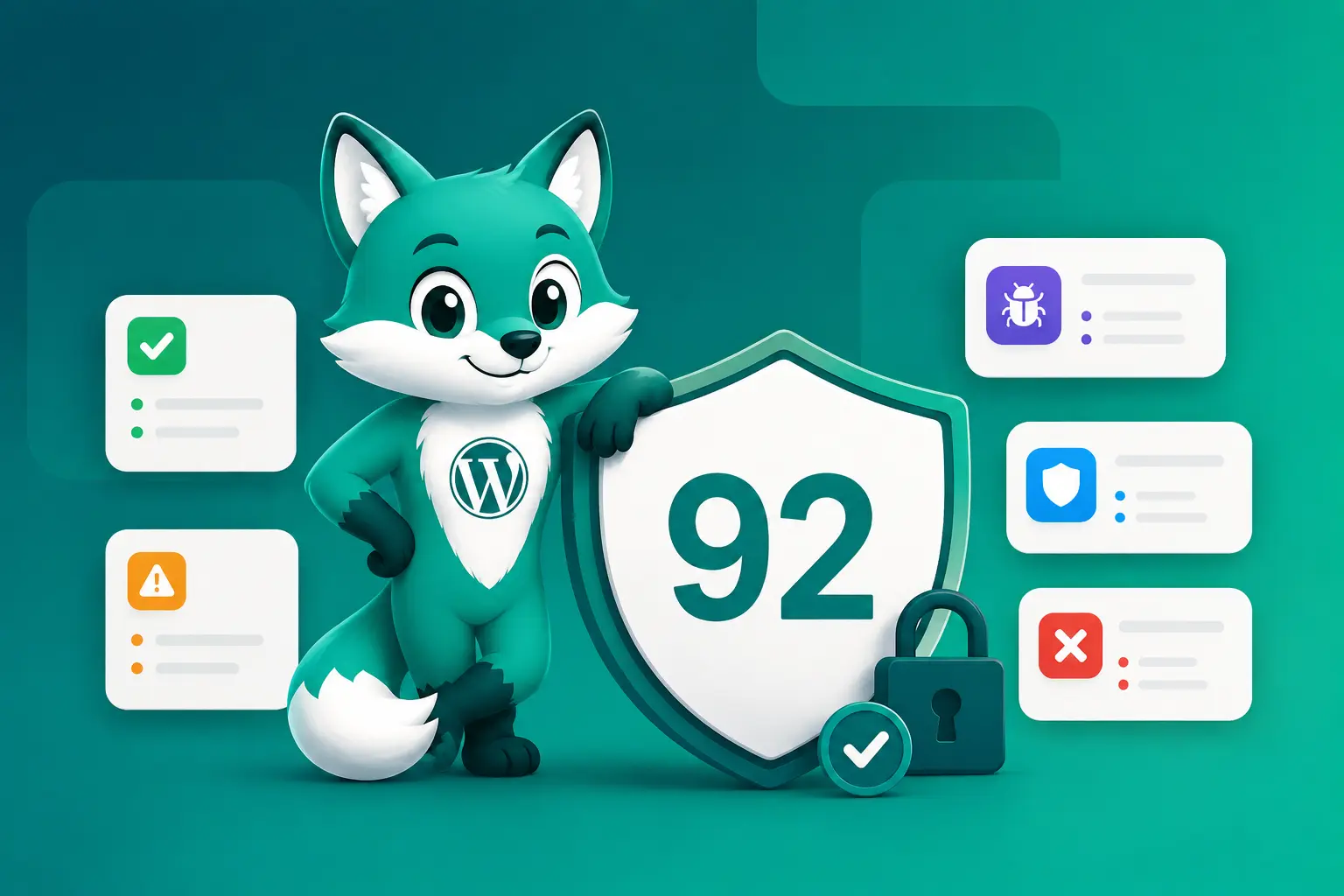
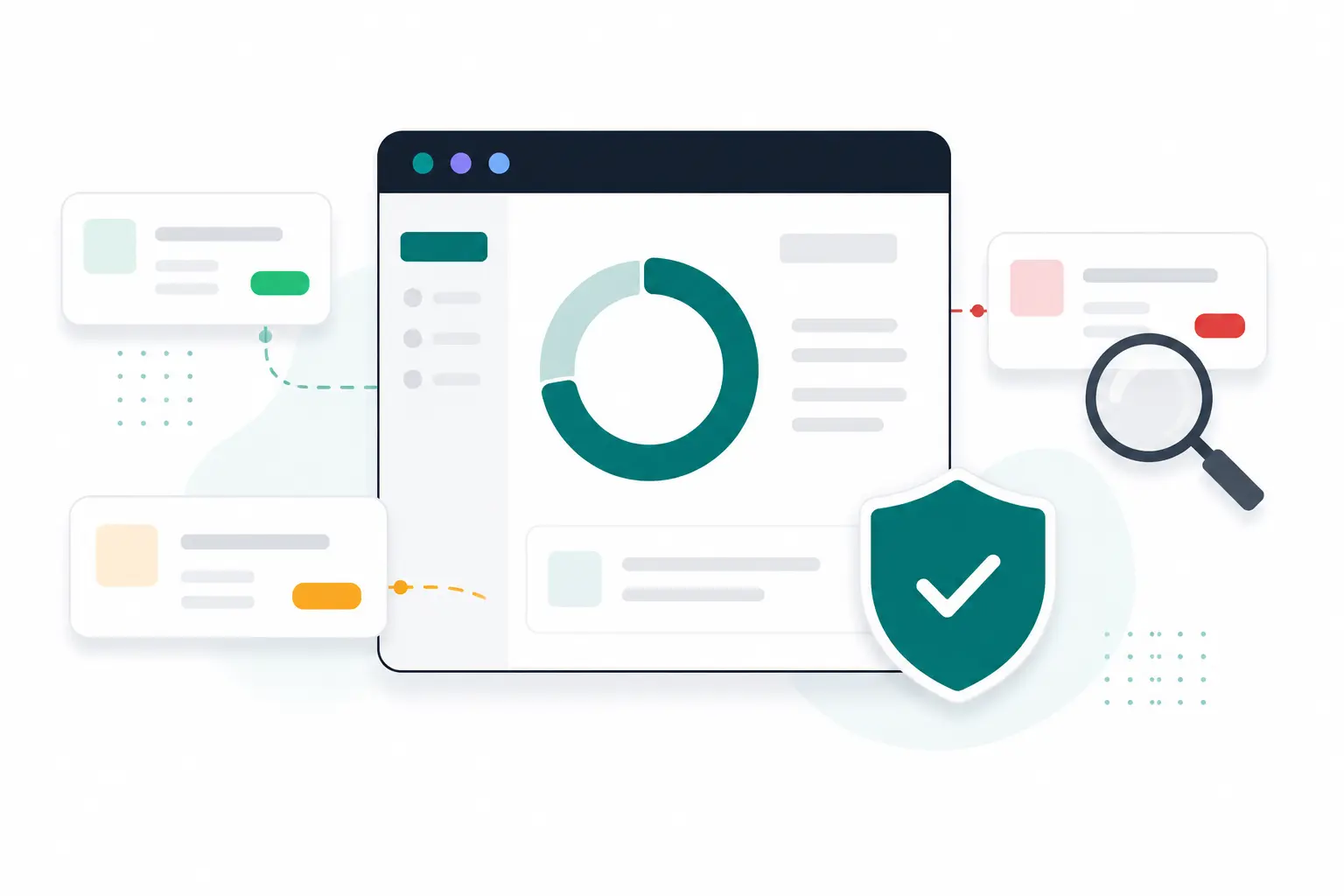
Illustration of a security scan producing a 0-100 score with graded findings

the score

A number you can act on, not a wall of warnings.

Every scan condenses everything it found into a single 0-100 score, weighted by how dangerous each finding really is. A critical vulnerability costs far more points than a cosmetic misconfiguration, so a falling score always means something worth your attention. Below the score, findings are sorted worst-first, and each one opens into a plain-language explanation with a step-by-step fix.

  • One 0-100 score per site, recalculated on every scan
  • Findings graded low, medium, high or critical
  • Every finding ships with a "how to fix it" walkthrough
  • Compare scores across all your sites at a glance
Illustration of a security scan producing a health score and graded findings

what gets checked

Eight checks. Everything attackers actually try.

Real attacks are not exotic. They exploit a known plugin bug, guess a weak password, or abuse a setting nobody remembered to turn off. The scan works through exactly that list.

Known vulnerabilities

Every installed plugin, theme and your WordPress version matched against a daily-updated feed of published vulnerabilities.

Malware

The latest file-level malware scan folds its result into the score, so an infected site can never look healthy.

Weak passwords

Accounts using passwords that would fall to a dictionary attack, found without a password ever leaving the site.

Admin accounts

Who can actually reach wp-admin: forgotten administrators, the guessable "admin" username, stale accounts.

Plugins & themes

Outdated versions, inactive leftovers, and plugins that were abandoned or removed from the official directory.

WordPress core

Whether core is current, and whether the security release you are missing is already available for your branch.

Configuration

Risky settings attackers love: file editing enabled in wp-admin, debug output on a live site, directory listing and more.

SSL certificate

Your TLS certificate checked from the outside: expiry, trust chain and hostname. You hear about it weeks before visitors do.

vulnerabilities

Yesterday's CVE, flagged on your site today.

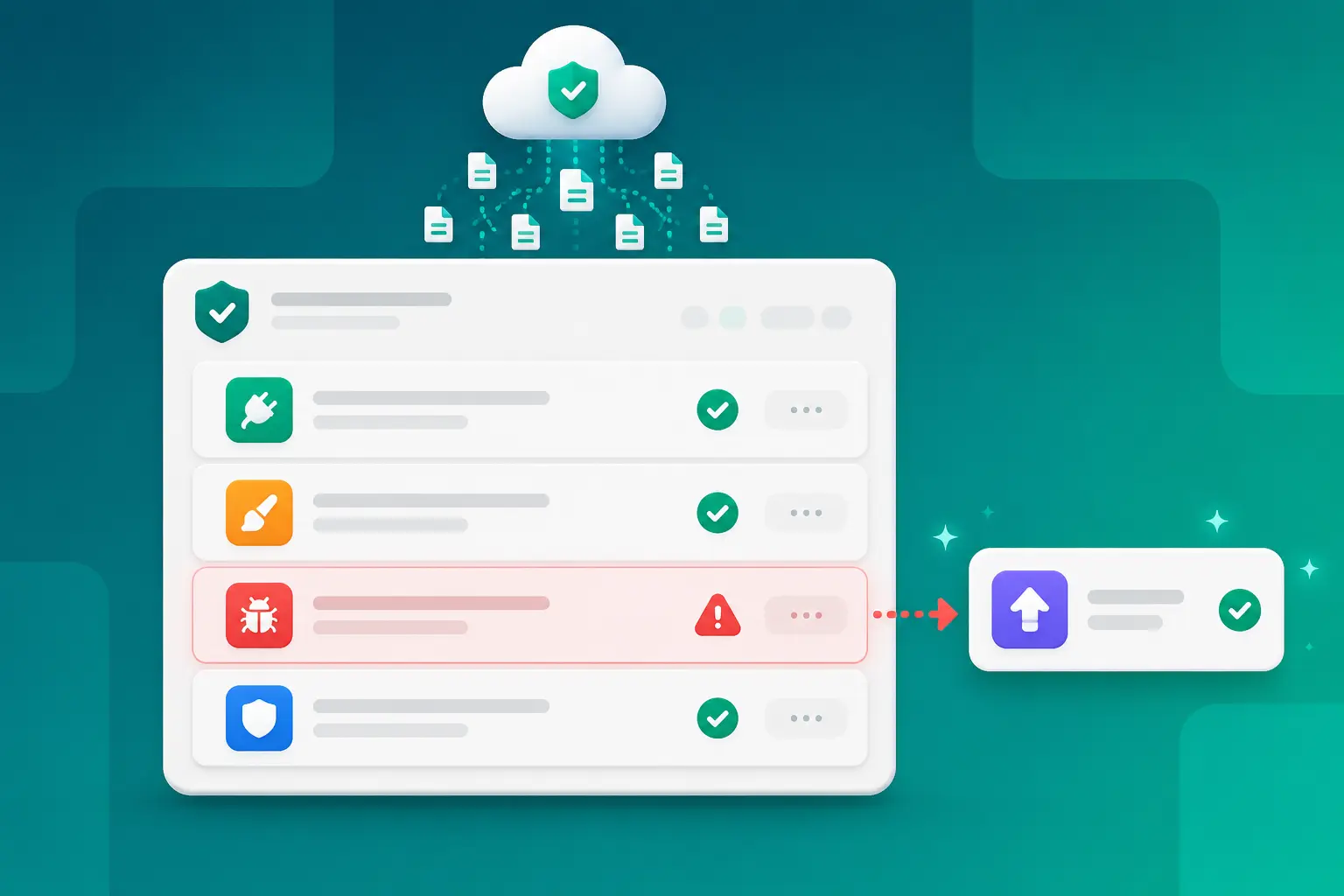
DashboardWP mirrors a professionally maintained vulnerability database every day and matches it against the exact versions installed on your sites. When a vulnerability affecting one of your plugins is published, your next scan flags it, tells you how severe it is, and names the closest patched release to update to.

  • Plugins, themes and WordPress core all covered
  • Severity taken from the official CVSS rating
  • Recommends the nearest patched version, not just "update"
  • Every finding links to the original advisory
Illustration of a vulnerability feed matched against installed plugin versions

passwords

Weak passwords found. Passwords never seen.

The most common way into a WordPress site is still a guessed password. The scan tests your accounts against the wordlists attackers use, and it does it entirely on your own site: the connector checks passwords locally, in small batches, and reports back only which account is weak and why. No password, and no password hash, ever travels to DashboardWP.

  • Checked against real attacker wordlists
  • Runs on your site, in short time-boxed batches
  • Only "this account is weak" leaves the site. Never a password.
What the dashboard receives
editor-account weak: common password
shop-manager weak: too short
the passwords themselves never transmitted

malware

Every file, checked against the original.

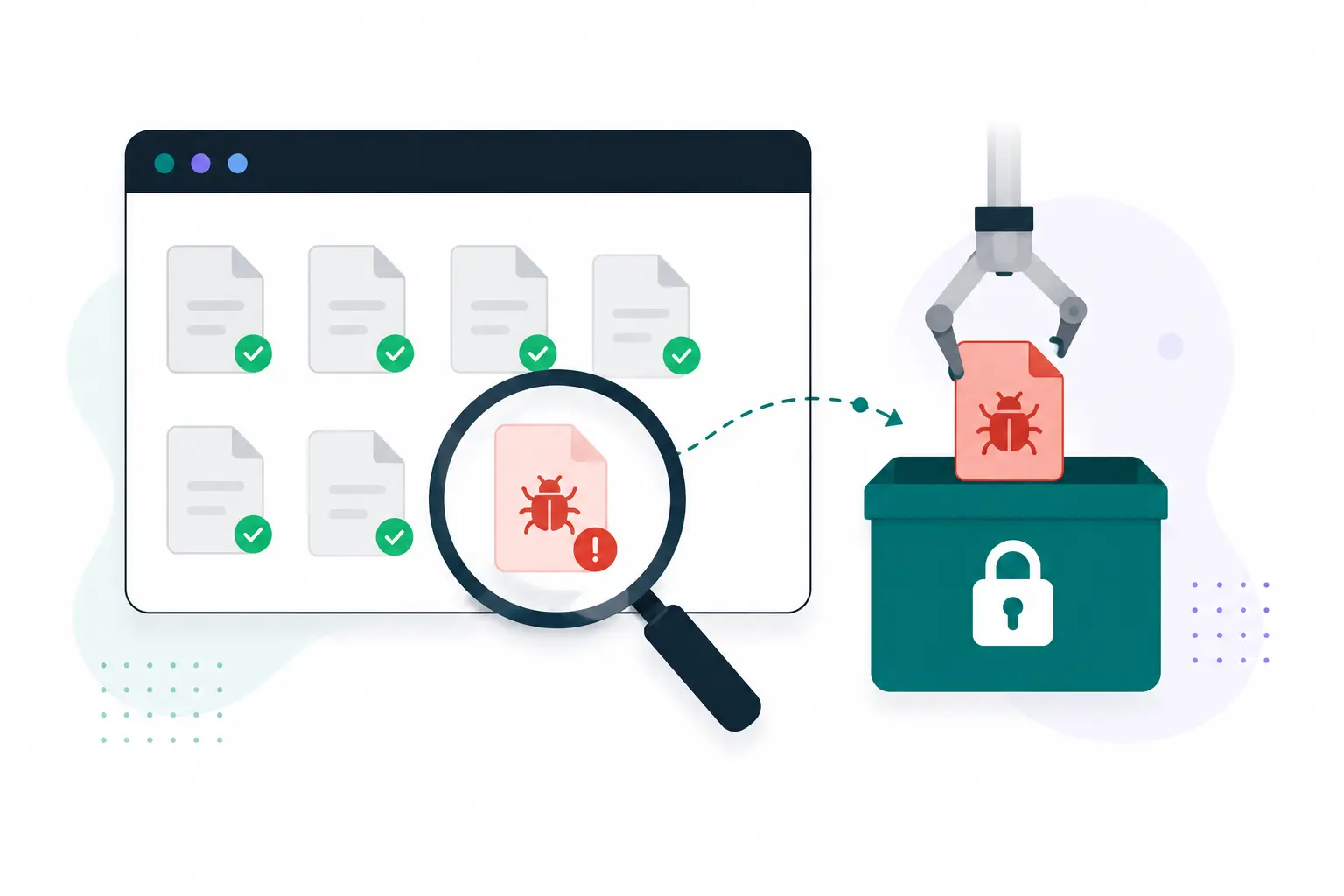
Instead of guessing what looks suspicious, the malware scan verifies WordPress core, plugins and themes file-by-file against the official checksums, so anything modified or planted stands out immediately. What is left gets swept with heuristics that catch web shells, hidden PHP in uploads and obfuscated code. Findings show the suspicious snippet, and you clean up from the dashboard: quarantine, delete, or restore the original file in one click.

  • Core, plugin and theme files verified against official checksums
  • Heuristics for web shells, injected and obfuscated code
  • Quarantine, delete or restore the original in one click
  • Feeds the security score, so infections are never invisible
Illustration of a malware scan finding and quarantining an infected file

rescue mode

Cleanup that works when the site doesn't.

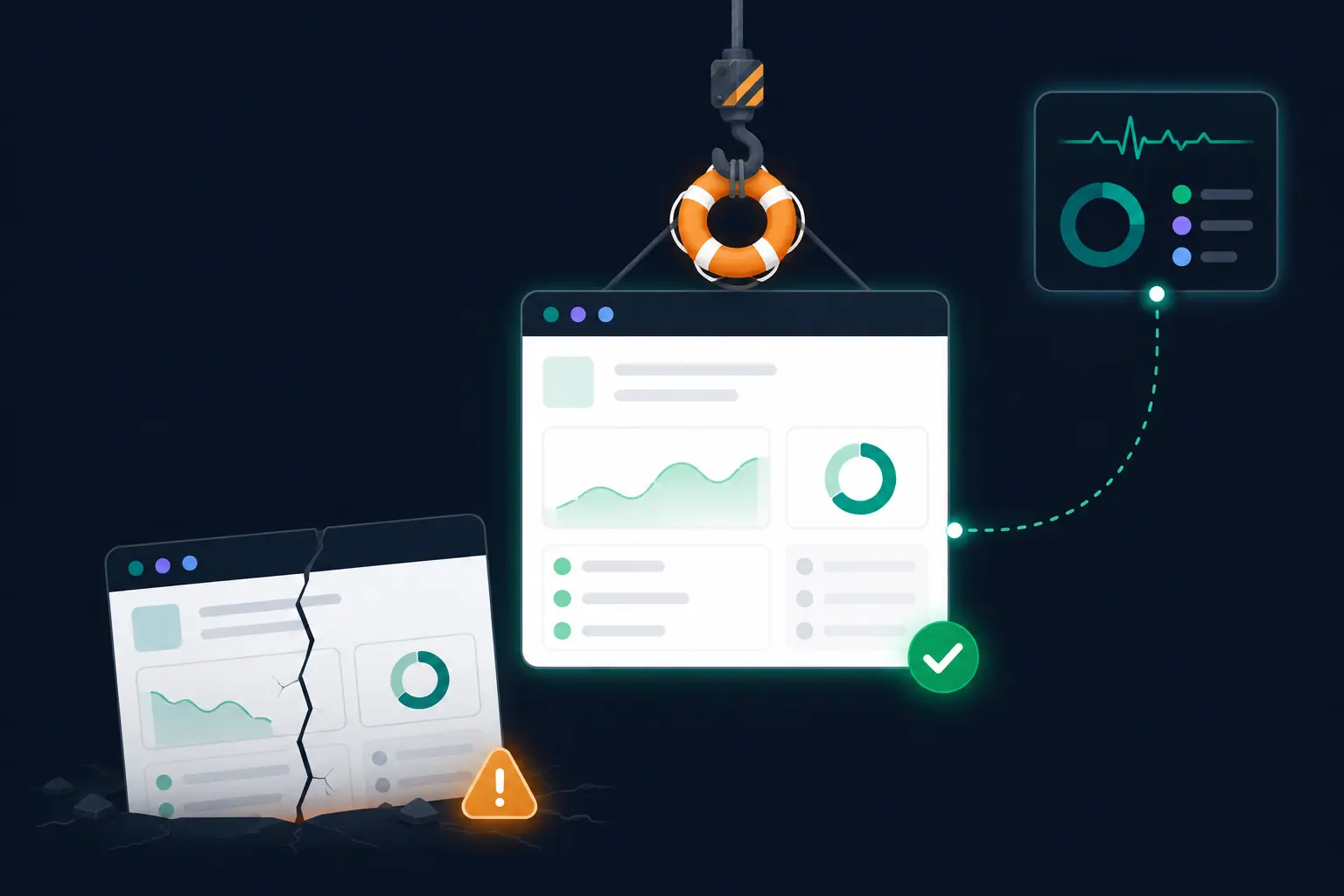
The site that most needs a malware cleanup is often the one that is already crashing from the injected code. DashboardWP ships a tiny rescue layer that loads before everything else, so scans and cleanups still reach a site that shows visitors nothing but an error. Quarantine the malware or restore last night's backup while the rest of the site is down.

  • Malware scans and cleanup work on fatally broken sites
  • Restore a known-good backup over a broken site in one click
  • The dashboard connection itself survives the rescue
Illustration of rescue mode restoring a broken website from a backup

how it works

One click, or no clicks at all.

Scans run in the background through the same secure connector that manages your updates and backups. Nothing extra to install, nothing that slows your site down while it runs.

STEP 01

Start a scan

Hit "Run scan" on any site, or let the schedule do it for you. The scan queues instantly and runs in the background.

STEP 02

The site is inspected

The connector gathers the facts on the site while DashboardWP checks vulnerabilities and your TLS certificate from the outside.

STEP 03

Findings are graded

Everything found is weighed by severity into your 0-100 score, sorted worst-first, each finding with its own fix guide.

STEP 04

You fix what matters

Update the vulnerable plugin, quarantine the file, tighten the setting. Rescan and watch the score climb.

Set it to automatic and forget it

Turn on scheduled scans and every site gets checked on its own rhythm: security scan first, malware scan right after, in your timezone. You only hear about it when something needs your decision.

Run your first scan in the next five minutes.

Connect a site free and see its security score, its findings and exactly what to fix first.

Start free

Free plan forever ยท No credit card