updates

Every update on every site. One list, one click.

DashboardWP collects plugin, theme and WordPress core updates from all your sites into a single view. Update one plugin on one site, or everything everywhere, and watch it happen live. No wp-admin tabs, no guessing which site fell behind.
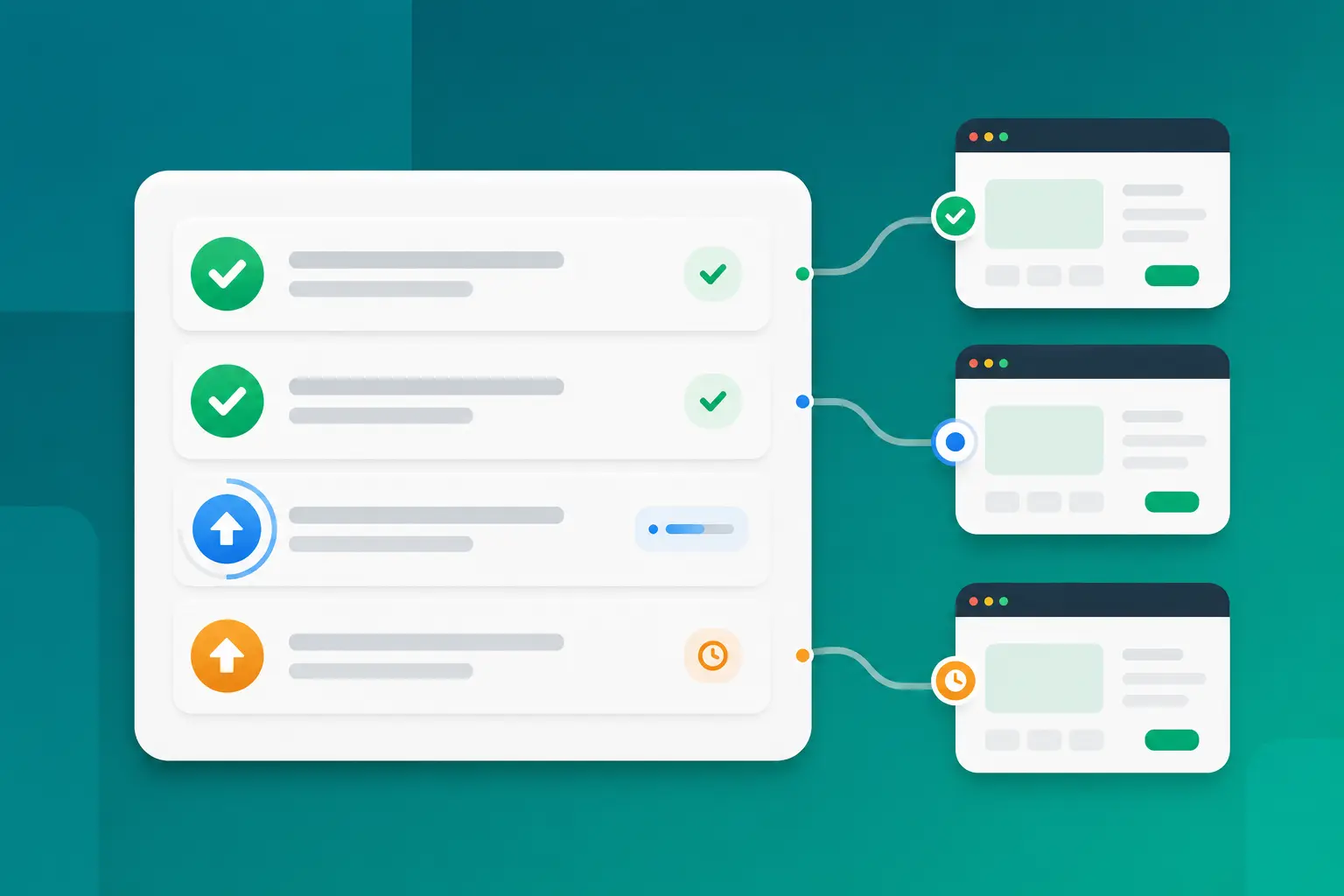
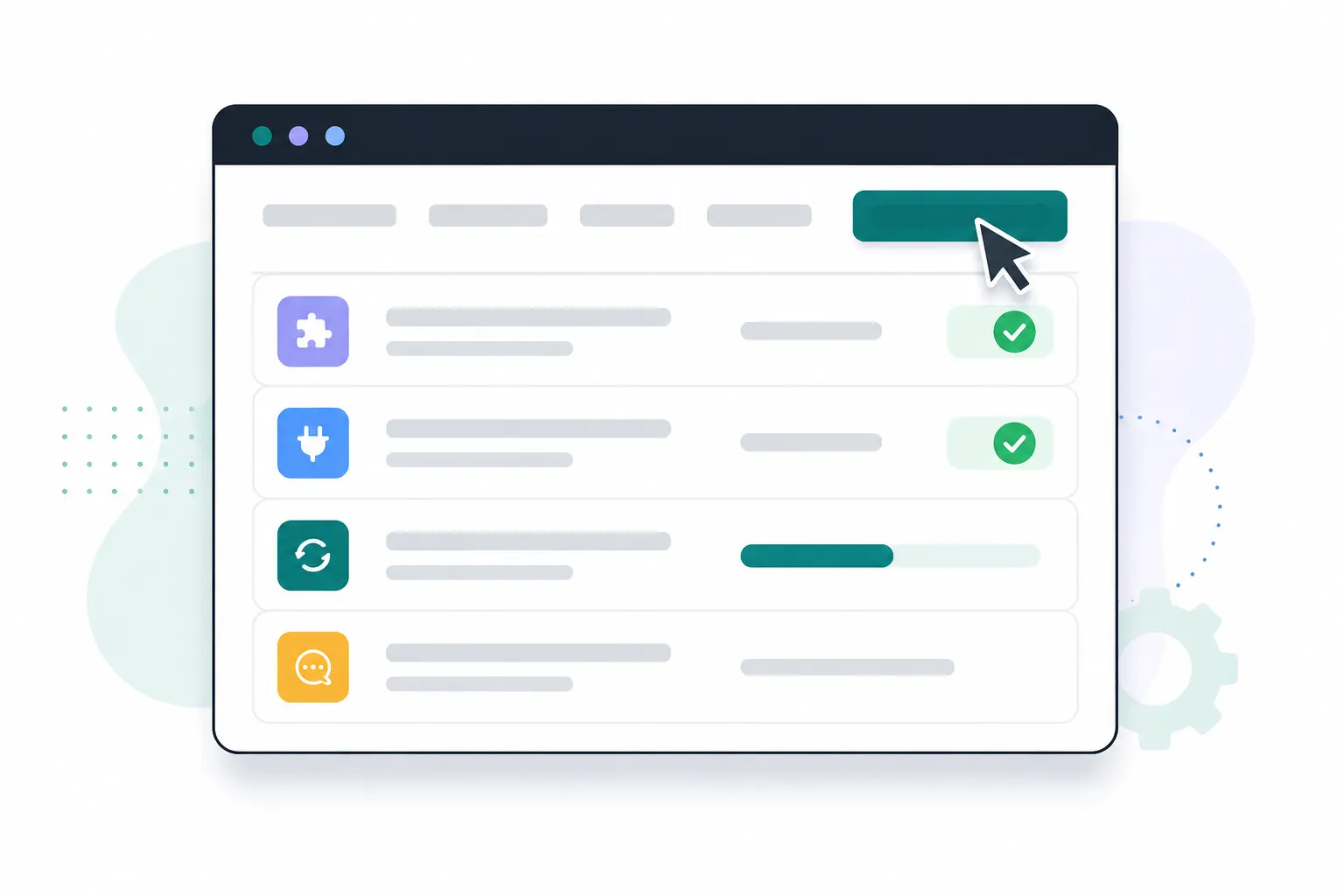
Illustration of pending updates across several sites turning into completed checkmarks

one list

Stop hunting. Start sweeping.

The Updates view aggregates everything waiting across a site: WordPress core, every plugin and every theme, each with the version you have and the version you should be on. Review the whole backlog in seconds, pick what to update, or press "Update everything" and let the queue work through it for you.

  • Core, plugins and themes in a single Updates view
  • Installed and available versions side by side
  • "Update everything" runs the whole backlog in one go
  • Inventories refresh after every action, so the list is never stale
Illustration of bulk updates running across several WordPress sites

what it covers

Everything that can fall behind, kept ahead.

Outdated software is how most WordPress sites get hacked. DashboardWP keeps every layer current, from core to the premium plugin you bought three years ago.

Plugins

Update, install, activate, deactivate or remove plugins on any site, one by one or in bulk, without opening wp-admin.

Themes

Themes get the same treatment as plugins: install from the directory or a zip, update, activate and clean up leftovers.

WordPress core

Core updates run through the same queue, and the dashboard verifies the site's real version once the update lands.

Premium library

Bulk updates automatically prefer a newer version from your private library, so licensed software stays current too.

Live progress

Every job reports as it runs: "3 of 7" while it happens, a clear result when it finishes, even if you navigate away.

Vulnerability aware

The security scan flags versions with known vulnerabilities and names the patched release. Updating is the fix.

bulk updates

Twenty plugins, one job, live progress.

Select everything that needs updating and run it as one job. The worker goes plugin by plugin and streams its progress back to you as it happens. If one plugin fails, the job says exactly which one and why, and everything that already succeeded stays updated. No all-or-nothing gambles.

  • Per-step progress: "3 of 7" as it happens
  • A failure names the plugin and the reason. The rest still lands.
  • Progress follows you around the dashboard while you do other work
  • Different sites update in parallel, so big sweeps finish fast
Updating 7 plugins bakery-corner.com
3 of 7
contact-form-pro updated
seo-toolkit updated
gallery-blocks updating
booking-calendar queued

your library

Premium plugins stay current too.

Licensed plugins and themes are the ones update tools usually give up on. Upload the zips to your private library once, and DashboardWP treats them like first-class citizens: install them on any connected site in two clicks, and bulk updates automatically pick your library version whenever it is newer than what wordpress.org offers.

  • Private storage for your licensed plugin and theme zips
  • Versioned: keep several releases, install the one you need
  • Buy once, install on every site you manage
  • Bulk updates prefer your library version automatically
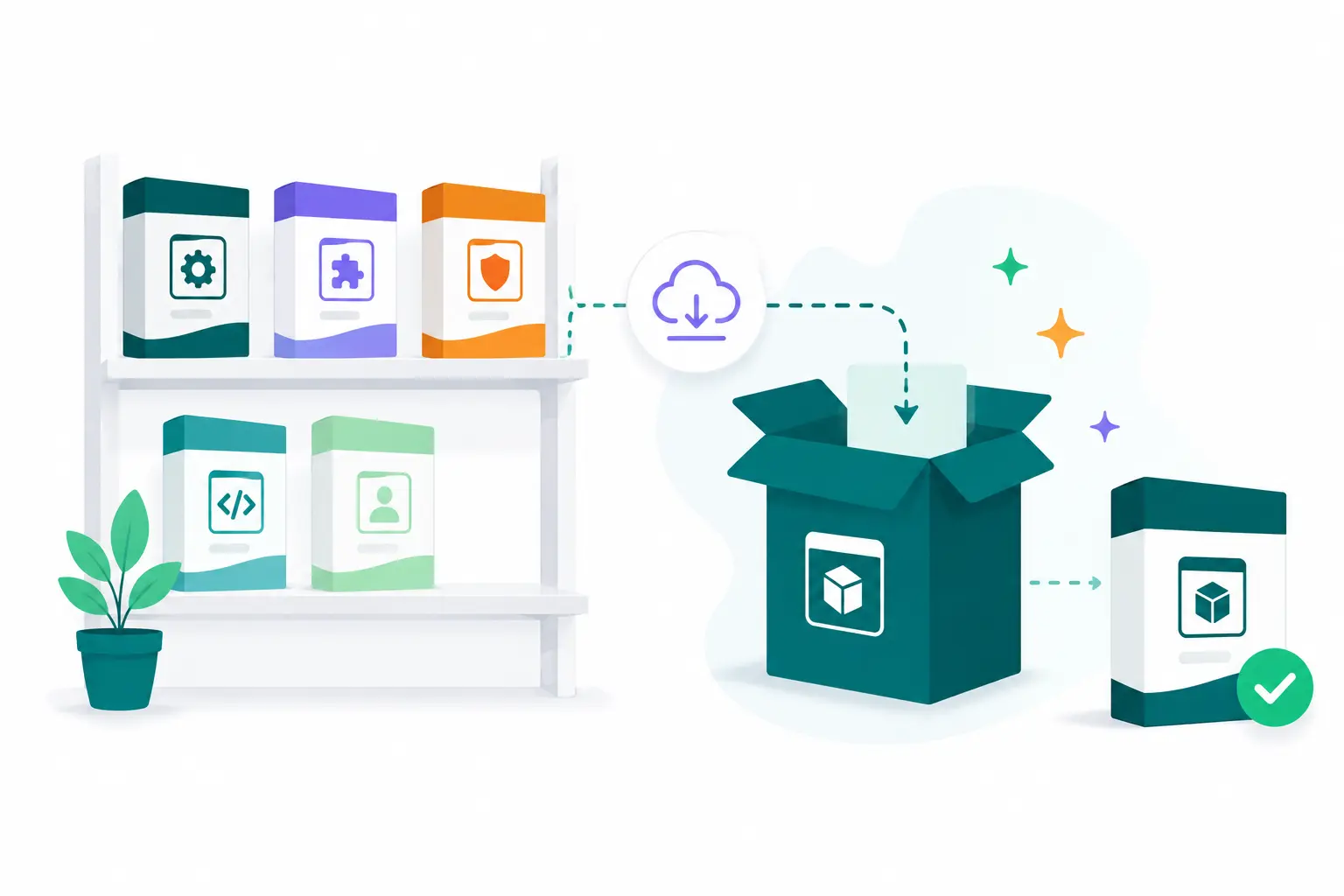
Illustration of a private plugin library installing one package onto several sites

built-in safety

Updates break sites. We planned for that.

Every update runs in the background through a queue, and operations on the same site never overlap, so an update can't collide with a running backup. And if a bad update fatals the site, DashboardWP's rescue layer still reaches it: roll the plugin back from your library or restore last night's backup while the site itself shows nothing but an error.

  • Operations on the same site are serialized, never overlapping
  • Rescue mode reaches a site a bad update just broke
  • Restore a known-good backup over a broken site in one click
  • The dashboard verifies real versions after every update
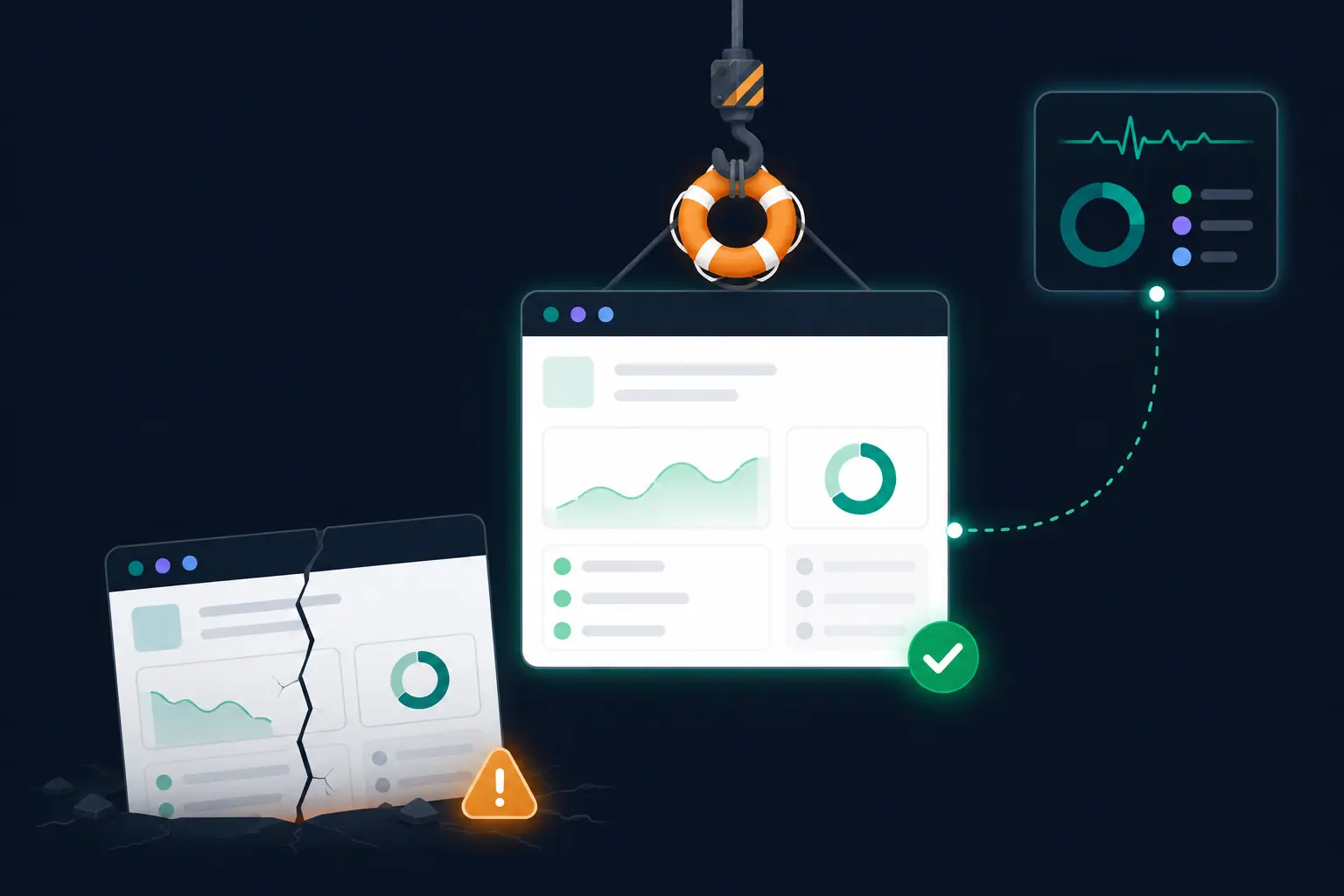
Illustration of rescue mode recovering a site broken by a bad update

how it works

From backlog to up to date, in four steps.

Everything runs through the same secure connector that powers your backups and scans. No FTP, no shared passwords, nothing extra to install.

STEP 01

See what's waiting

The dashboard keeps a fresh inventory of every site, so pending core, plugin and theme updates are already listed.

STEP 02

Pick your scope

One plugin, a selection, or "Update everything". Bulk actions across twenty sites are as easy as one.

STEP 03

The queue does the work

Jobs run in the background with live progress. Different sites in parallel, the same site always one step at a time.

STEP 04

The result is verified

After every action the site's inventory is re-read, so the dashboard shows what is really installed, not what it hopes.

Clear this week's update backlog before lunch.

Connect a site free and see every pending update the moment it syncs.

Start free

Free plan forever ยท No credit card