backups

Backups that exist for one reason: the restore.

A backup you have never restored is a hope, not a plan. DashboardWP streams your sites off-site on a schedule, verifies every archive, and brings a site back in one click. Even a site that is already down.
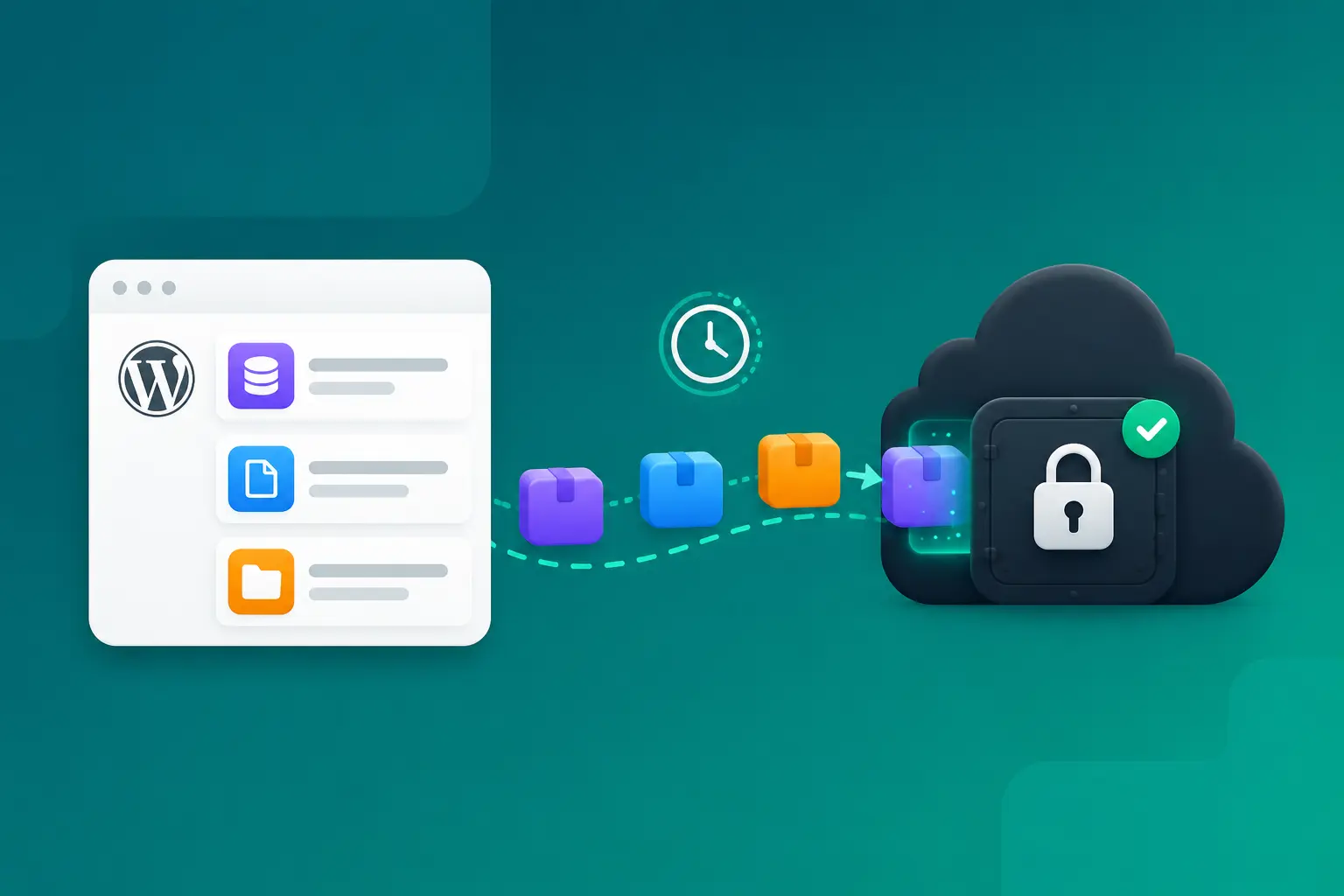
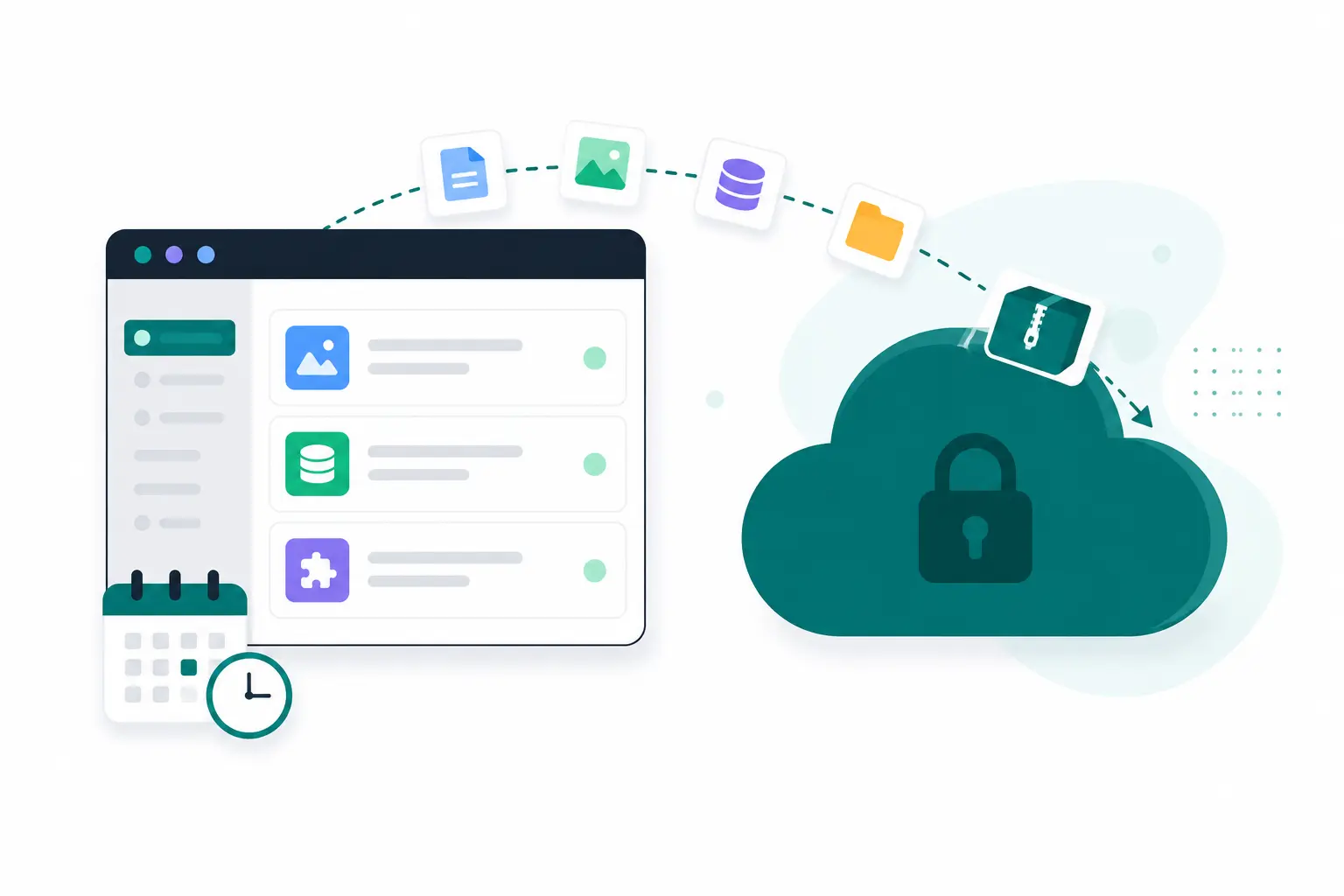
Illustration of a website streaming its backup into a locked cloud vault

off-site by design

Away from the server that might fail.

A backup that lives next to the site dies with the site. DashboardWP streams every archive straight from your site to encrypted cloud storage, in small resumable chunks, so a slow host, a request timeout or a 5 GB uploads folder can't break it. Your hosting account could vanish tonight and your backups would not care.

  • Archives stream directly to off-site storage, never through the dashboard
  • Chunked uploads shrug off host timeouts and huge folders
  • No storage keys ever reach your site
  • Every uploaded archive is size-verified before the backup counts
Illustration of a website backing up off-site to secure cloud storage

what it covers

Your content, not a terabyte of noise.

Backups capture what is actually yours: the database, your plugins and themes, your uploads. WordPress core is skipped on purpose, because it can always be re-downloaded byte-for-byte from wordpress.org.

Pick what's included

Database, files, uploads: any combination per backup. A quick pre-update database snapshot or the full site, your call.

Compressed archives

The database ships as a compressed SQL dump, files as zip archives, packed on the site in short slices that never strain it.

Private storage

Archives live in private, encrypted storage. Downloads happen through short-lived signed links that expire on their own.

On your schedule

Automatic backups run on the rhythm you set, anchored to your timezone. Daily at 03:00 means your 03:00, on every site.

Verified end to end

Every artifact is checksummed at backup time and verified again at restore time. A corrupted archive can never restore silently.

Yours to download

Any backup can be downloaded as plain archives whenever you want your own copy. No lock-in, no export ceremony.

restore

One click back to last night.

Pick a backup, pick what to restore, click. Before anything is touched, DashboardWP takes a safety backup of the site as it is right now, and if that safety backup fails, the restore never starts. Archives are downloaded back in chunks, checksum-verified, prepared next to the live site, and swapped in with one short atomic switch under maintenance mode.

  • Automatic safety backup before every restore
  • Every archive checksum-verified before it is used
  • Prepared off to the side, then swapped in atomically
  • The dashboard connection survives the restore, no re-pairing
Restoring backup bakery-corner.com · yesterday, 03:00
running
Safety backup of the current site done
Download and verify archives done
Prepare files and database in progress
Atomic switch to the restored site waiting

broken sites

The restore that works when nothing else does.

The day you really need a backup, the site is usually already down: a bad update, injected malware, a white screen on every request. DashboardWP's rescue layer loads before everything else on the site, so restoring a known-good backup over a fataling site still works. That is the whole point of having one.

  • Restore reaches a site that is fatally broken
  • The safety backup works there too
  • Visitors see maintenance for moments, not an error for hours
  • The connection survives, so the dashboard never loses the site
Illustration of rescue mode restoring a broken website from a backup

how it works

Gentle on the site, paranoid about the data.

Backups run through the same secure connector as everything else, in short slices a shared host handles comfortably. Your site stays fast while it happens.

STEP 01

A backup starts

You click "Back up now", or the schedule fires at the time you chose. Either way it queues instantly and runs in the background.

STEP 02

The site packs itself

The connector dumps the database and zips your files in short time-boxed slices, so visitors never feel a thing.

STEP 03

Archives stream off-site

Finished archives upload in chunks straight to encrypted storage, are size-verified, and recorded with their checksums.

STEP 04

Ready to restore

The backup appears in the site's list with its exact contents. Download it, or restore any part of it in one click.

Set the schedule once and stop thinking about it

Choose what to include and how often, and every site backs itself up on that rhythm, anchored to your timezone. The backup list quietly grows while you sleep, and it is there the one morning you need it.

Tonight's backup starts with one click today.

Connect a site free, run your first backup, and know you can always get back to now.

Start free

Free plan forever · No credit card