uptime
DashboardWP checks your sites from the outside, as often as every minute. Real outages become incidents with exact start and end times, blips stay blips, and the alert email reaches you while there is still time to look good.

from the outside
A plugin inside WordPress cannot tell you the site is down, because when the site is down, the plugin is down with it. DashboardWP probes each site over the public internet, exactly the way a visitor's browser would, so it catches everything: a crashed site, a dead server, an expired domain, a hosting company having a bad night.
what you get
The goal is not more data. It is one honest answer to "is every site up?", and a timely email on the rare day the answer is no.
Checks travel the public internet like real visitors, so what the monitor sees is what your audience gets.
Choose the check interval per site: every 1, 5 or 10 minutes. A portfolio brochure site and a busy shop deserve different vigilance.
One slow response never pages you. An incident opens only after repeated consecutive failures confirm the site is really down.
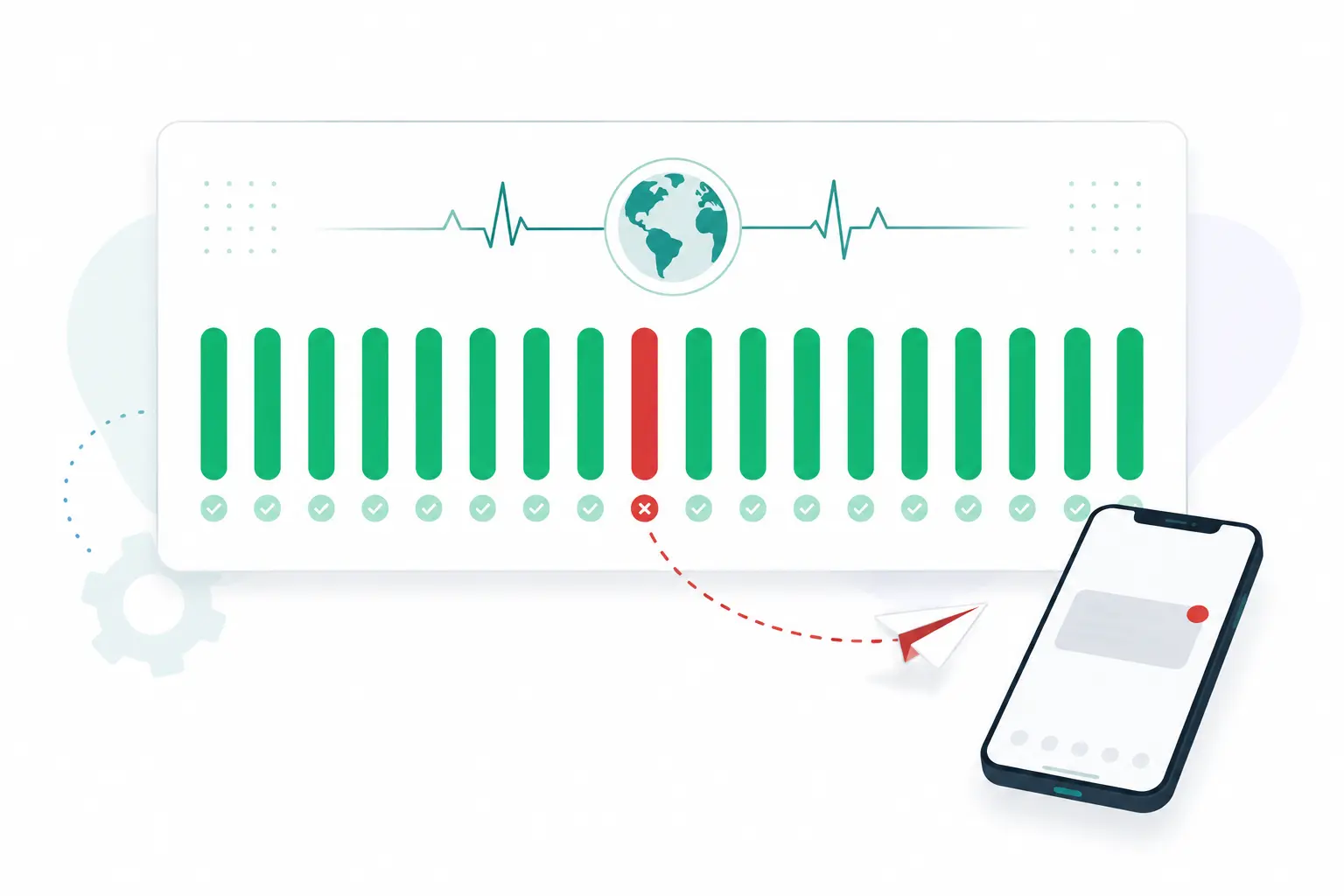
A bar per day, green to red, plus the uptime percentage and total downtime. The status-page view your clients understand instantly.
Send outage emails to any addresses: you, your team, even the client, so nobody finds out from an angry phone call.
Every outage recorded with its real start and end, walked back to the first failed check. No vague "around noon".
incidents
Monitoring tools lose your trust the third time they cry wolf. DashboardWP opens an incident only after several checks in a row fail, then backdates its start to the first failure, so the record is honest without the noise. The first successful check closes it, with the exact duration on the record.
alerts
An optional grace delay holds the alert for a couple of minutes on purpose: if the site recovers on its own inside that window, no email is ever sent. When one does arrive, it means a real outage is in progress, with the site, the start time and the error spelled out. That is an email you can trust at 3 AM.
how it works
Uptime monitoring needs nothing from the site itself. Turn it on, pick a rhythm, and DashboardWP keeps watch from the outside.
Enable monitoring on a site and pick the interval: every 1, 5 or 10 minutes. That is the whole setup.
DashboardWP requests the site from the outside on your rhythm and judges the answer like a browser would.
Consecutive failures open an incident with an honest start time. A single hiccup stays off the record.
The alert email goes out unless the site already recovered, and the 30-day view keeps the full history.
Monitoring only needs the site's address, so it keeps working when everything else fails: WordPress fataling, the connector unreachable, the whole server gone. The one tool that must survive an outage is the one watching for it.
Connect a site free, switch monitoring on, and get the email before the phone rings.
Start freeFree plan forever · No credit card