one-click admin login

Into any wp-admin. Without a password.

One button in the dashboard opens the site's wp-admin in a new tab, signed in as the administrator you choose. No password managers, no shared spreadsheets, no "what was the login for this one again?". Ever.
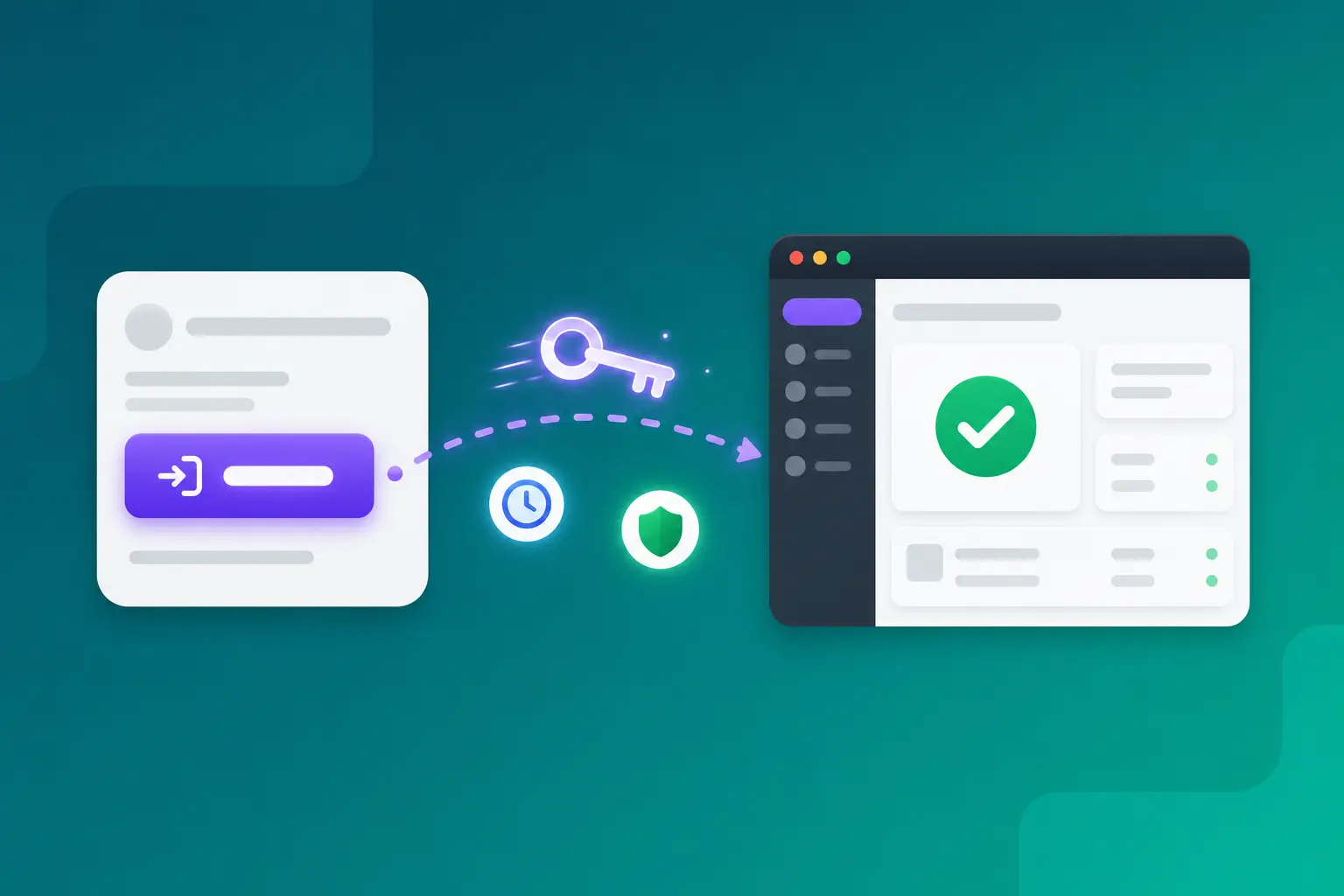
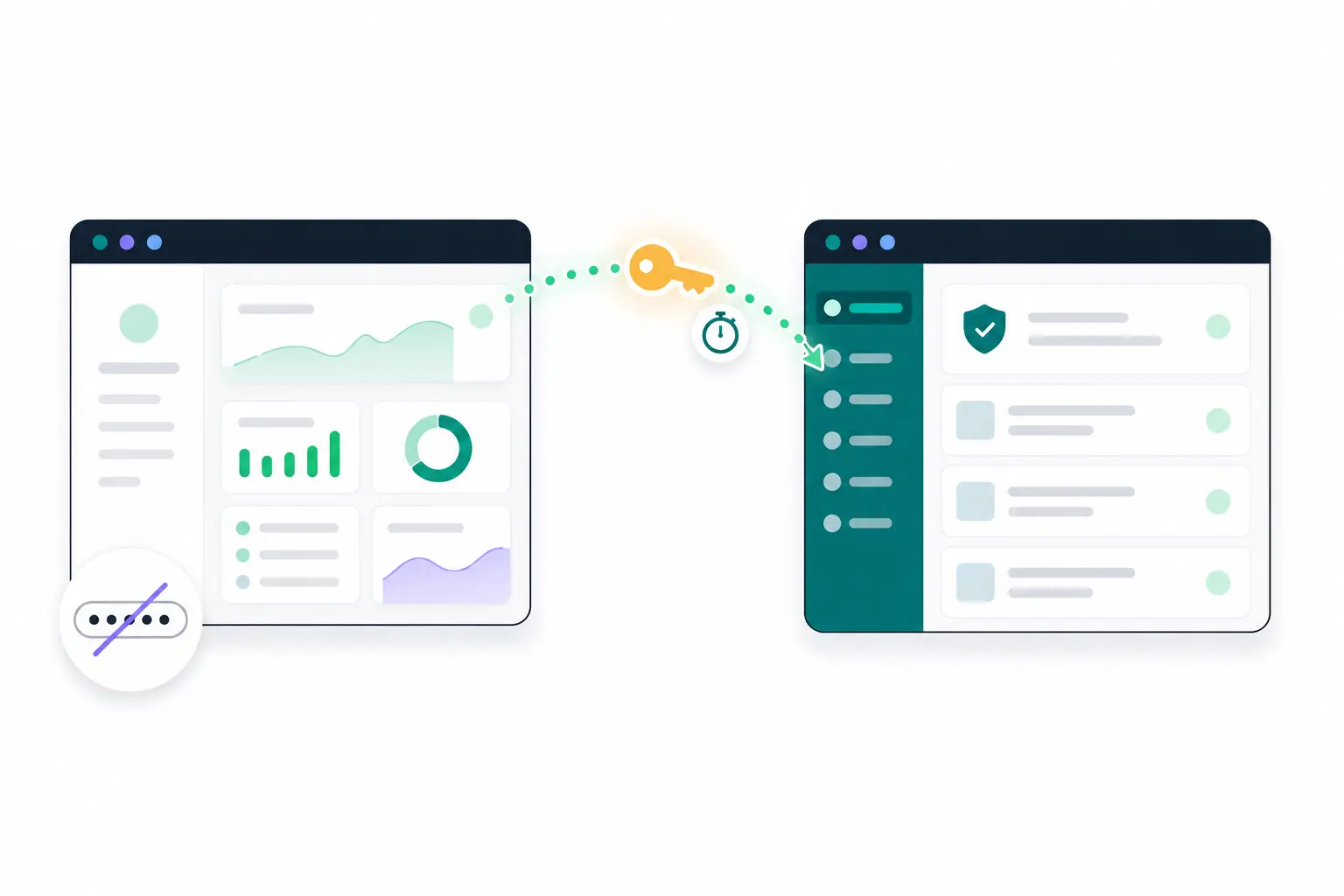
Illustration of one dashboard button unlocking wp-admin without a password

one button

The fastest trip to wp-admin you'll ever take.

Every connected site has a "wp-admin" button in its top bar. The first time, you pick which administrator account to use and DashboardWP remembers it for that site. From then on it is truly one click: a new tab opens and you are already inside, on every site you manage, all day long.

  • Opens wp-admin in a new tab, already signed in
  • Pick the admin account once, remembered per site
  • Works on every connected site, from one dashboard
  • No browser extensions, no saved sessions, nothing to sync
Illustration of one-click passwordless login from the dashboard into wp-admin

what you get

Convenience that doesn't cut corners.

Passwordless should mean more secure, not less. Every shortcut here is built out of cryptography, not stored credentials.

No passwords, ever

Nothing is stored, synced or typed. There is no password to leak, phish or forget, because none is involved.

Cryptographically signed

Each login link is signed with the site's own secret. Change a single character and the site turns it away.

Single-use, short-lived

A link works exactly once and dies after two minutes. Copied, cached or leaked later, it is worthless.

Any admin account

Choose which administrator to land as, per site. Useful when a client site separates your account from theirs.

On the record

Every one-click login is written to the site's activity trail, so there is never a mystery session in wp-admin.

Nothing to revoke

When a project ends, disconnect the site and access ends with it. No shared passwords floating around to rotate.

security

Safer than the password it replaces.

A shared admin password is a permanent secret that travels through chat logs, inboxes and sticky notes. A one-click login link is the opposite: born when you click, dead two minutes later, useless to anyone who finds it afterwards. And because your dashboard account is the one key to everything, protect it with the built-in two-factor authentication and trusted devices.

  • No permanent secret ever leaves the dashboard
  • Tampered or replayed links are simply rejected
  • Two-factor authentication guards the dashboard itself
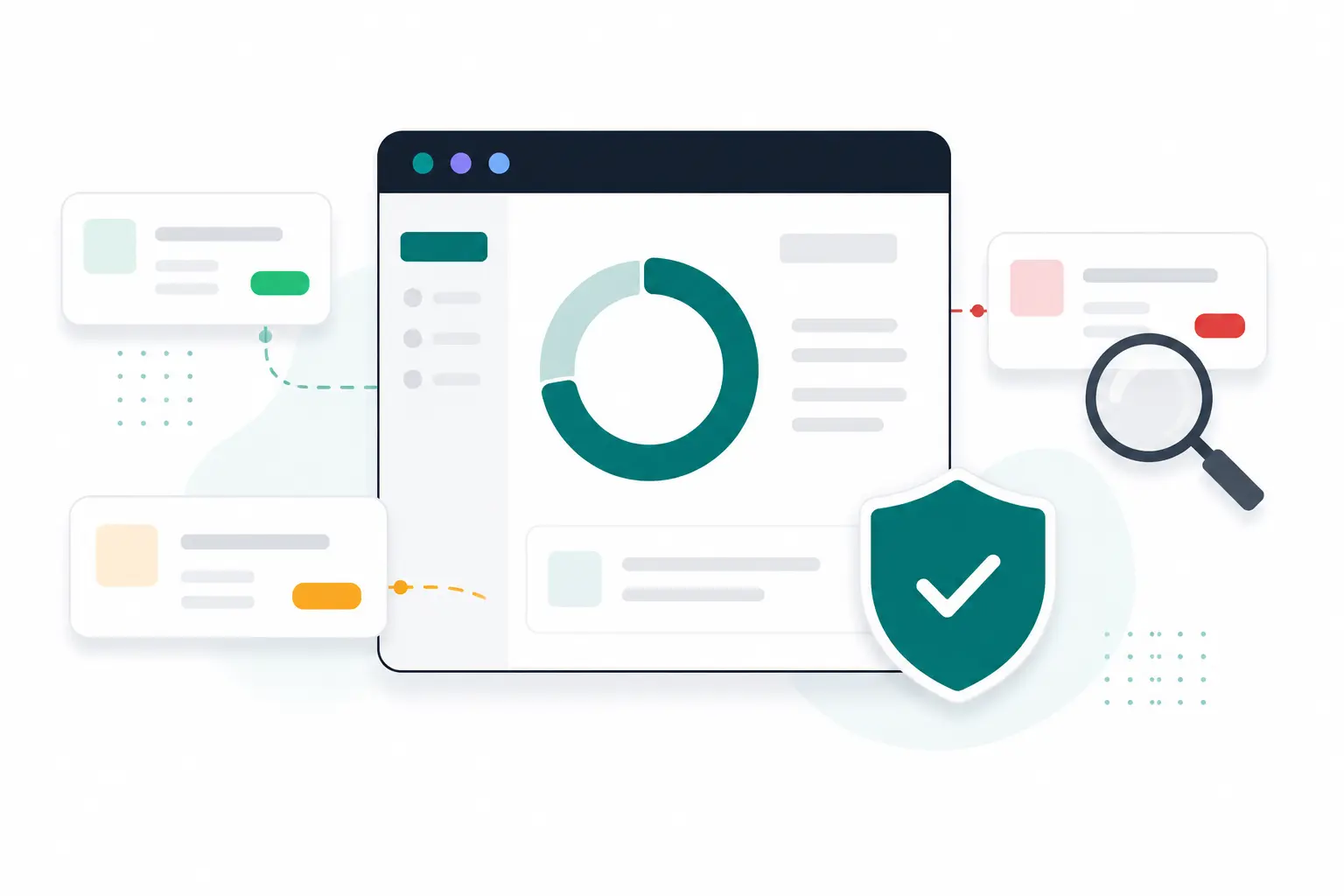
Illustration of signed, verified access protecting a WordPress site

how it works

One click, four checks, zero passwords.

The whole journey takes about a second. Here is what happens inside it.

STEP 01

You click "wp-admin"

From the site's top bar in the dashboard. First time on a site, you pick which administrator to land as.

STEP 02

A link is minted

DashboardWP signs a fresh single-use link with the site's own secret: account, expiry, one-time code.

STEP 03

The site checks it

Signature, expiry, one-time code and the account's admin rights, all verified on the site itself.

STEP 04

You're in

The new tab lands in wp-admin, signed in. The login is recorded and the link is already dead.

Retire your WordPress password list today.

Connect a site free and make your next trip to wp-admin a single click.

Start free

Free plan forever · No credit card