There is a special kind of embarrassment in the message: “Hey, is the site supposed to be down?” The site is your responsibility, it has been offline for four hours, and the person paying you for it is the one who noticed. Nothing about the outage itself changed, but the relationship did.
Every site goes down eventually. Hosting hiccups, PHP fatal errors after an update, expired domains, expired certificates, overloaded servers. The difference between a professional operation and an amateur one is not zero downtime. It is who finds out first.
What uptime monitoring actually does
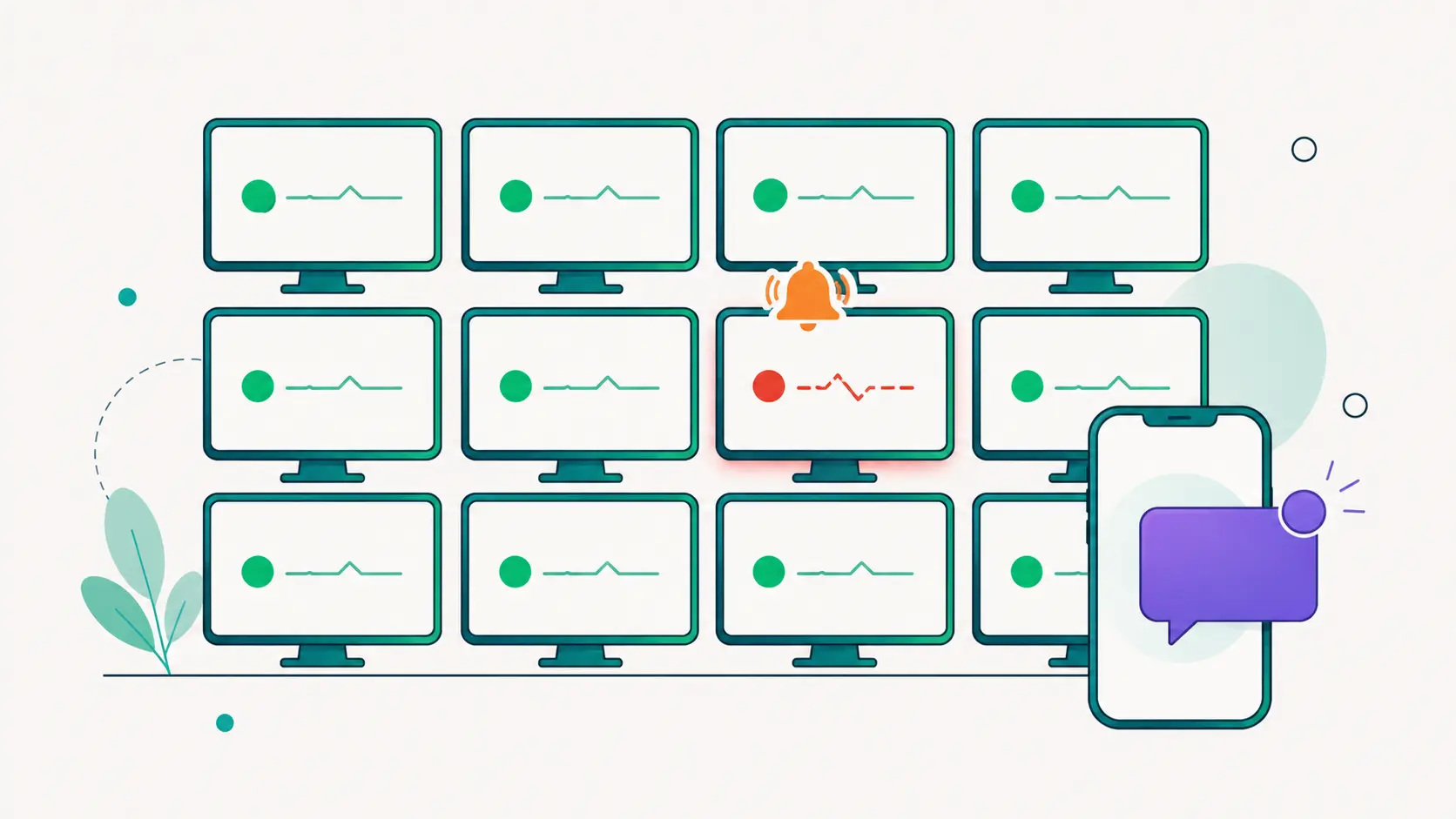
The concept is almost embarrassingly simple: a machine somewhere else requests your site on a fixed interval and checks that it answers correctly. If the answer stops coming, or comes back as an error, you get told. The value is not in the sophistication of the check. It is in the relentlessness: the monitor never gets busy, never goes on vacation and never assumes everything is probably fine.
A good monitor distinguishes a real outage from a blip. A single failed request can be a network hiccup between the monitor and the site. That is why solid systems require several consecutive failures before declaring an incident, and record the incident’s start from the first failure so the timeline stays honest.
Why check frequency matters
Check interval sets the ceiling on how fast you can possibly know. With a 15 minute interval, an outage can run 15 minutes before the first failed check even happens, plus confirmation checks on top. For a hobby blog, fine. For a store doing steady sales, a one minute interval turns “we lost half an hour of checkout” into “we lost two minutes”. Frequency is not a vanity metric; it is the difference between a footnote and a refund.
Alerts that respect your attention
The failure mode of monitoring is not missing outages. It is crying wolf. A monitor that pages you for every 30 second blip trains you to ignore it, and then the real outage arrives to an inbox rule that archives it. A sane alert flow has:
- A confirmation threshold, so one failed check never wakes anyone.
- An optional alert delay, so an outage that recovers in a minute never sends mail at all.
- The right recipients: the person on duty, not just the account owner. If a client wants alerts for their own site, they should get exactly those.
The history is as valuable as the alert
Monitoring pays off twice. The alert pays off in the moment. The history pays off later: a 30 day uptime percentage, a list of incidents with start times and durations, a pattern of Tuesday night blips that turns out to be the host’s backup window. When you propose moving a client to better hosting, “the site was down 11 times last month, here is the log” closes the conversation in a way that “the hosting feels flaky” never will.
Set it up once, stop thinking about it
DashboardWP’s uptime monitoring checks connected sites on an interval you choose, down to every minute, opens incidents only after consecutive failures, and supports delayed alerts to any set of email addresses. The 30 day view shows uptime, total downtime and every incident per site, right next to the rest of the site’s health. And because monitoring only needs the site’s URL, it keeps working even when the site is too broken to talk to anything, which is exactly when you need it most.
Downtime will happen. Being the last to know is a choice.