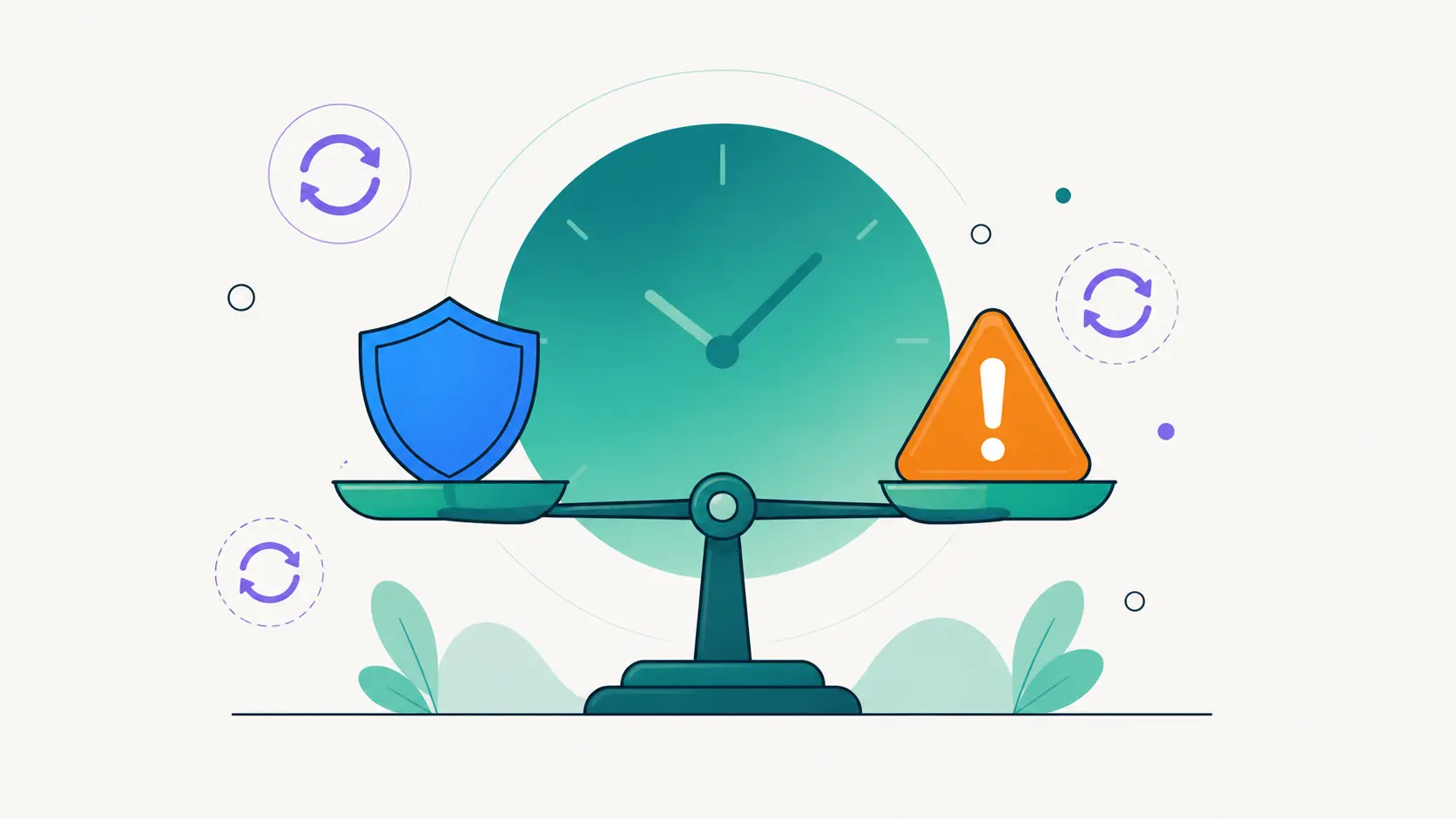
Every WordPress owner lives between two fears. Update too eagerly and a bad release breaks the site on a busy morning. Wait too long and a known vulnerability gets your site hacked by a bot that was scanning for exactly that plugin. Both fears are justified, which is why “just keep everything updated” is advice that sounds simple and helps nobody.
The way out is to stop treating updates as a single question. Different updates carry different risk, and deserve different speed.
Not all updates are the same
- Security releases: apply fast. Once a patch is public, the vulnerability it fixes is public too, and exploitation is usually automated within hours. Days of delay are risk; weeks are negligence.
- Minor and patch releases: apply on your weekly rhythm. Bug fixes and small improvements rarely break anything. Batch them.
- Major versions: apply deliberately. A jump from 4.x to 5.x can change templates, APIs and behavior. Read the changelog, let early adopters find the bugs for a few days, back up first, then upgrade with time to test.
A rhythm that works
For most sites and portfolios, this cadence hits the right balance:
- Weekly: the update pass. One scheduled session. Review everything pending, check changelogs for anything unusual, back up, update, then click through the site’s critical paths.
- Immediately: security exceptions. A vulnerability advisory for something you run jumps the queue, whatever day it is.
- Monthly: the audit. Look for plugins that no longer earn their place: unused, overlapping or abandoned by their authors. Fewer plugins mean fewer updates and less attack surface.
What about auto-updates?
WordPress can update plugins automatically, and for a small personal site that nobody checks weekly, that is genuinely better than nothing: the security patches land without you. The trade is control. Auto-updates run unattended, without a backup first, and when one breaks the site at 2 a.m., nobody knows until visitors do. For sites that matter commercially, a supervised weekly pass beats unattended automation: you get almost the same patch speed, plus a backup beforehand and a human looking at the result.
The pre-update ritual
Whatever the schedule, the ritual around risky updates stays constant: back up first, so the worst case is a restore instead of a rebuild. Update. Then actually look at the site: homepage, a product page, the checkout or contact form. Two minutes of clicking catches the overwhelming majority of update breakage while it is still trivial to roll back. And if an update does take the site down, do not fight it live; that scenario has its own playbook.
Scale changes the math
On one site this is 20 minutes a week. On fifteen sites it is a day, unless the work is centralized. DashboardWP shows pending plugin, theme and core updates across every connected site on one screen, flags versions with known vulnerabilities so the “immediately” category is unmissable, and runs updates in bulk while a per-site lock keeps operations orderly. The weekly pass for a whole portfolio becomes one review and a coffee’s worth of waiting.
The exact rhythm matters less than having one. Updates that happen on schedule are maintenance. Updates that happen “when I remember” are how sites end up six versions and one incident behind.