The old image of a hacked website, a black page with a skull on it, is long gone. A modern compromise wants the opposite: to stay invisible while it uses your site to send spam, host phishing pages, redirect your visitors or mine your SEO reputation. Many site owners host malware for months without a clue. The signs are there, but you have to know where to look.
The seven signs
- Google results you do not recognize. Search site:yourdomain.com and look for pharmacy spam, casino pages or Japanese product listings you never wrote. This is often the very first visible symptom.
- Redirects for some visitors. The site looks fine to you but sends mobile users, or visitors coming from Google, to a scam page. Attackers deliberately exclude logged-in admins so the owner sees nothing.
- Admin users you did not create. A new administrator account, often with a generic name, is a backdoor with a friendly face.
- Files that should not exist. PHP files inside wp-content/uploads, oddly named scripts in the site root, or core files whose contents differ from the official release.
- Sudden performance collapse. Spam campaigns and crypto miners burn server resources. If the host emails about CPU limits on a site that never had traffic spikes, take it seriously.
- Mail stops arriving. When a server starts sending spam, its IP lands on blocklists, and suddenly your contact form and order emails go to spam folders everywhere.
- Browser or search warnings. “This site may be hacked” in results, or a red interstitial in Chrome, means the compromise is already public. Traffic falls off a cliff within hours.
First: do not panic, do preserve
The instinct is to start deleting suspicious things immediately. Resist it for ten minutes. First take a backup of the site as it is, infected and all. It sounds absurd, but if a cleanup goes wrong you need a way back, and the infected copy is also the evidence of what happened and when.
The cleanup sequence
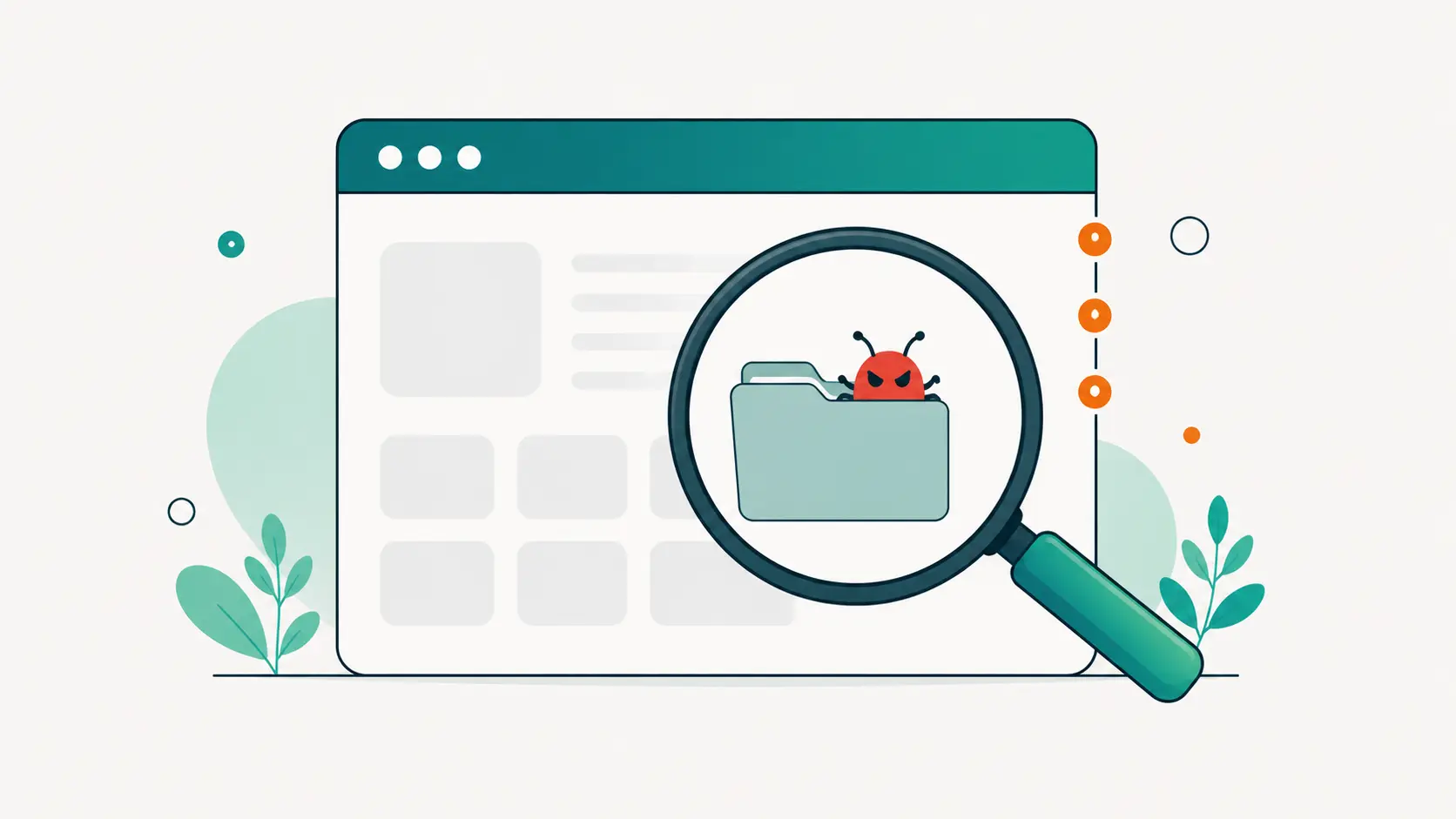
- Scan and identify. Compare WordPress core, plugins and themes against their official versions file by file. Anything modified or unknown is a suspect. Heuristics catch the rest: obfuscated code, eval chains, web shell patterns, PHP in the uploads folder.
- Remove or restore. Delete files that should not exist. Quarantine anything you are unsure about. Restore modified core files from the official WordPress.org copies rather than trying to hand-edit malware out of them.
- Close the door. The malware arrived somehow: an outdated plugin, a weak password, a stale admin account. Update everything, remove unknown users, reset all passwords, rotate the salts in wp-config.
- Verify and monitor. Rescan clean, request a review in Google Search Console if you were flagged, then scan on a schedule. Reinfection within days is common when the entry point survives the cleanup.
Make the scanner find it before Google does
Every sign on this list is cheaper to catch early. DashboardWP’s malware scanning verifies core, plugin and theme files against official checksums, hunts heuristic patterns in the leftovers, and lets you delete, quarantine or restore infected files right from the dashboard. Scheduled scans mean discovery in hours instead of months. And because the scans run through a rescue channel, they keep working even when the injected code has broken the site itself.
A hacked site is a bad week. A hacked site you found out about from a customer, after months of quiet infection, is a bad quarter. The difference is a scanner that never stops looking.