One WordPress site is easy. You log in when you remember, click the update button, glance at the dashboard and move on. The trouble starts somewhere around site number five, and by site ten the old habits have collapsed completely. Updates pile up, backups exist “somewhere on the host”, and the only monitoring in place is a client sending an email that starts with “the site looks weird”.
This is not a discipline problem. It is a math problem. Every site adds its own login, its own plugin stack, its own hosting quirks and its own failure modes. Ten sites means ten of everything, and checking each one weekly turns into a part-time job that nobody bills for.
Where the time actually goes
Ask anyone who maintains a portfolio of sites and the same list comes up:
- Logging in. Finding the right credentials, dealing with password managers, 2FA prompts and expired sessions, ten times over.
- Checking for updates. Opening each dashboard just to see whether anything needs attention. Most visits end with “nothing to do here”, which makes the visit itself the waste.
- Running updates one by one. The same plugin, updated on eight sites, is eight separate chores.
- Wondering about backups. Every host does it differently, retention is unclear, and nobody has ever tested a restore.
- Firefighting. A site goes down or gets hacked, and because there was no monitoring, the client found out first. Now the work is urgent, unplanned and stressful.
None of these tasks is hard. The cost is in the switching: different dashboards, different states, different mental contexts. That is exactly the kind of work that should be centralized.
Rule one: one place to see everything
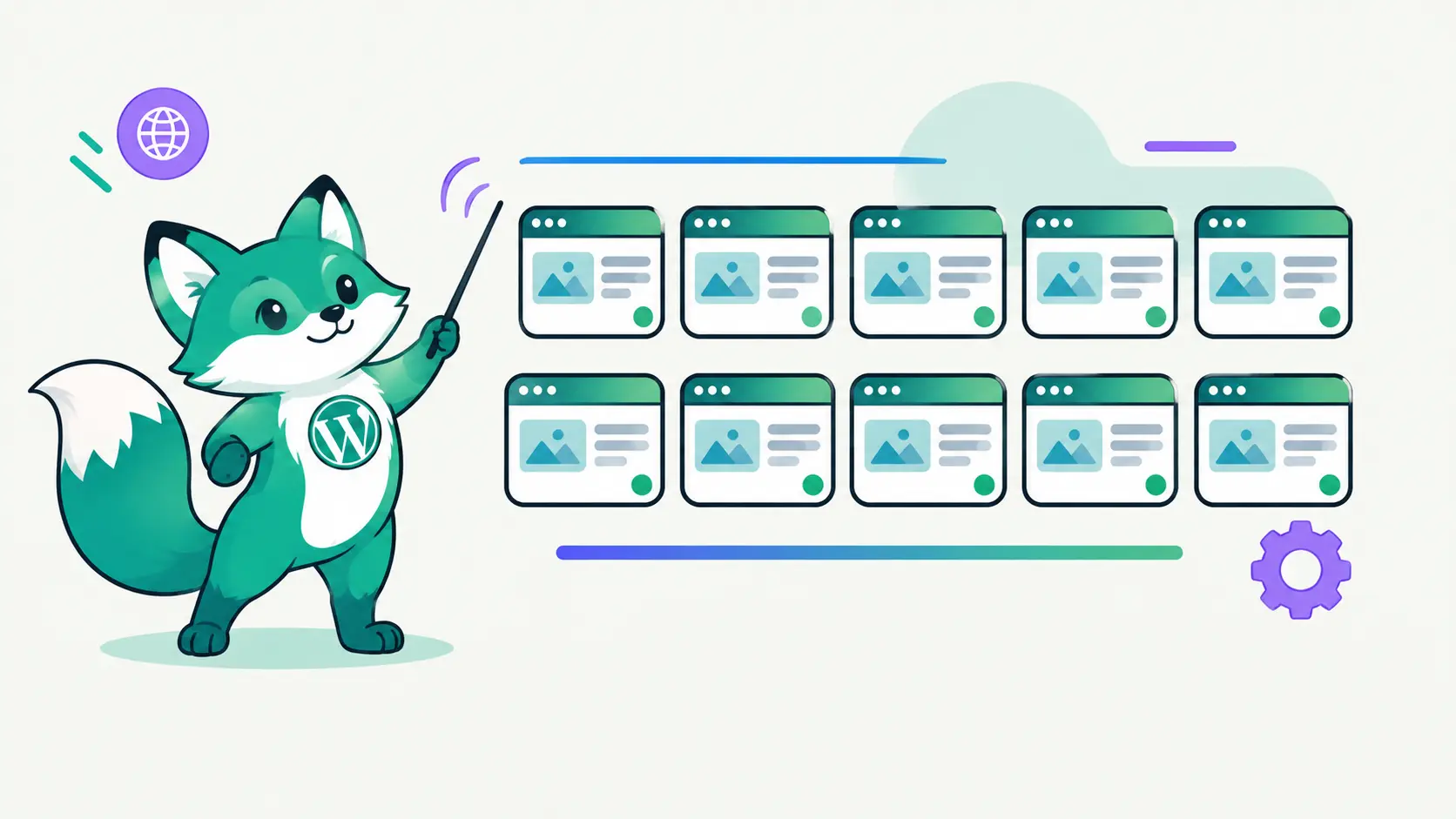
The single biggest improvement is a dashboard that shows every site at once: which ones are up, which have updates waiting, which had a failed backup last night. Not because the information is new, but because you stop paying the login tax just to find out that everything is fine.
This is the core idea behind DashboardWP: connect each site once through a small companion plugin, then manage updates, backups, monitoring and security from a single screen. A morning glance replaces ten dashboard visits.
Rule two: batch the routine work
Updates are the most repetitive task in WordPress maintenance, so they should be the most batched. Pick a rhythm (weekly works for most portfolios), review what is pending across all sites, and run the safe ones in bulk. A plugin that needs an update on eight sites should be one decision and one action, not eight. Bulk updates across sites turn an afternoon of clicking into a few minutes of review.
The same goes for logging in. When you do need to open wp-admin on a specific site, it should be one click, not a trip through the password manager.
Rule three: automate what does not need judgment
Some maintenance genuinely needs a human: deciding whether a major plugin upgrade is safe, reviewing a security finding, cleaning up after an incident. Most of it does not. Backups, uptime checks and security scans should run on a schedule and only demand attention when something is wrong.
- Automatic backups on a schedule, stored off the server, with restores you have actually tested.
- Uptime monitoring that alerts you before the client notices.
- Scheduled security and malware scans, so a compromise is found by a scanner and not by Google.
Rule four: stop doing it alone
Portfolios grow past one person. The wrong way to scale is sharing an admin password over chat. The right way is inviting teammates with roles: an admin who can run updates, a junior who can look but not touch, a client who can see reports for their own site and nothing else. DashboardWP handles this with workspaces and per-site permissions, so access grows with the team instead of being copied around.
The payoff
Managed well, a ten-site portfolio needs a short daily glance and one focused maintenance session a week. The sites stay updated, backed up and monitored, and the time you used to spend clicking through dashboards goes back into billable work. The portfolio can keep growing, because adding a site now adds minutes, not hours.