Everyone agrees backups matter. Almost nobody can answer the three questions that decide whether theirs are any good: when was the last successful backup, where is it stored, and when did you last restore one? If any answer is “not sure”, the backup strategy is a feeling, not a system.
What a WordPress backup actually contains
A WordPress site is two things: a database and a set of files. They fail differently and restore differently, so a good backup treats them as separate pieces:
- The database holds posts, pages, orders, users, comments and settings. It changes constantly, which makes it the most valuable and most time-sensitive piece.
- Plugin and theme files define how the site works. They change when you update or customize something.
- Uploads are your media library: images, PDFs, videos. Large, but irreplaceable.
- WordPress core is the one part you can always re-download from WordPress.org, so a smart backup skips it and saves the space.
How often is often enough
The honest answer is a question back: how much work can you afford to lose? A daily backup of a busy WooCommerce store still means losing up to a day of orders. A brochure site that changes twice a year does not need a 3 a.m. run every night.
- Content sites and blogs: daily database backup, weekly full backup.
- Stores and membership sites: daily full backup at minimum; the database is money here.
- Static brochure sites: weekly or monthly, plus one before every change.
- Always: a fresh backup immediately before updates, migrations or bulk edits. This one gets used more than all the scheduled ones combined.
Location is half the strategy
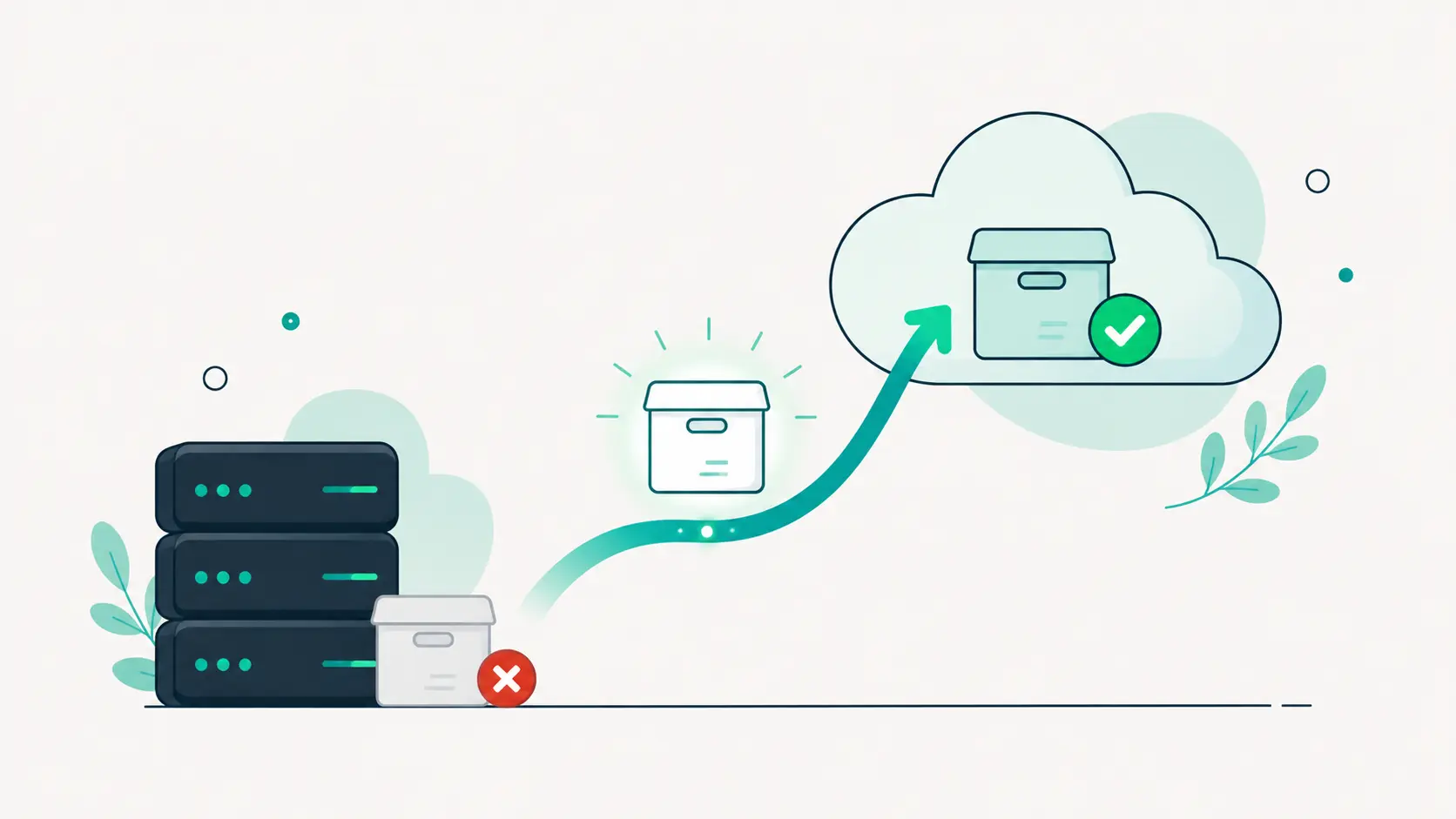
A backup stored on the same server as the site shares the site’s fate. Disk failure takes both. A hack takes both: attackers routinely delete or encrypt backup folders they can reach. Even a hosting account suspension takes both. The rule is simple: a real backup lives somewhere else, in independent off-site storage that the web server cannot touch.
Host-provided backups are a useful extra layer, but read the fine print: retention is often short, restores can be slow or paid, and if the account itself is the problem, they are gone with it. Treat them as a bonus, never as the plan.
The test nobody runs
Backups fail silently. A plugin conflict stops the schedule, a disk fills up, an export truncates halfway, and the dashboard still shows a reassuring green checkmark from three months ago. The only proof a backup works is a restore that worked. Twice a year, restore a real backup somewhere and check it: does the site load, is the newest content there, can you log in? An hour of testing buys certainty that no progress bar can.
What this looks like in DashboardWP
DashboardWP backups are built around exactly this strategy. You choose the contents (database, files, uploads) and the schedule per site; core files are skipped because WordPress.org already stores them. Archives stream directly to independent cloud object storage, never resting on the web server, and each artifact is size-verified after upload. Restores are selective, so you can bring back just the database or just the files, and every restore can start with an automatic safety backup of the current state. When the worst happens, recovery is a guided process instead of an archaeology project.
Whatever tool you use, the checklist stands: separate pieces, sensible schedule, off-site storage, tested restores. Sites do not go down politely, on schedule, after a fresh manual backup. They go down on Friday night. Build for that.