WordPress powers around 40 percent of the web, which makes it the biggest target on the internet. Yet the WordPress core itself is rarely the weak point. The overwhelming majority of compromised sites are broken into through a plugin or theme with a known, published, already-patched vulnerability. The attacker did not need skill. They needed a list of sites that had not updated yet.
The life of a vulnerability
A typical WordPress vulnerability goes through a predictable cycle:
- Discovery. A security researcher, a bug bounty hunter or the vendor finds a flaw: an unescaped input, a missing capability check, a file upload that accepts PHP.
- Responsible disclosure. The finder reports it privately to the plugin author, who prepares a fix.
- The patch ships. A new plugin version appears in the changelog, often with a deliberately vague note like “security improvements”.
- Public disclosure. The vulnerability gets a CVE identifier and lands in public databases with a severity score.
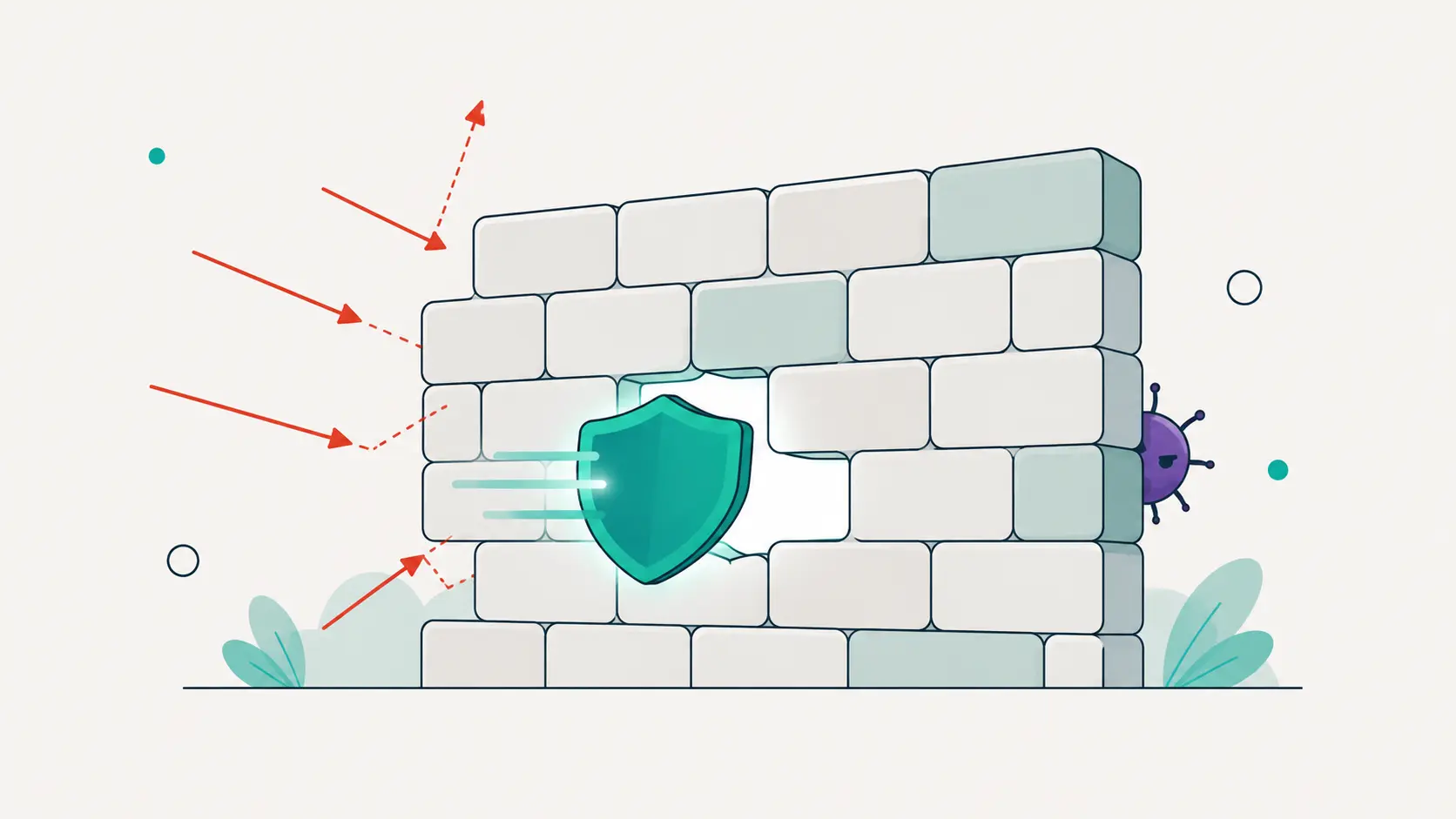
- Mass exploitation. Within hours of disclosure, automated scanners begin probing the entire internet for sites still running the vulnerable version.
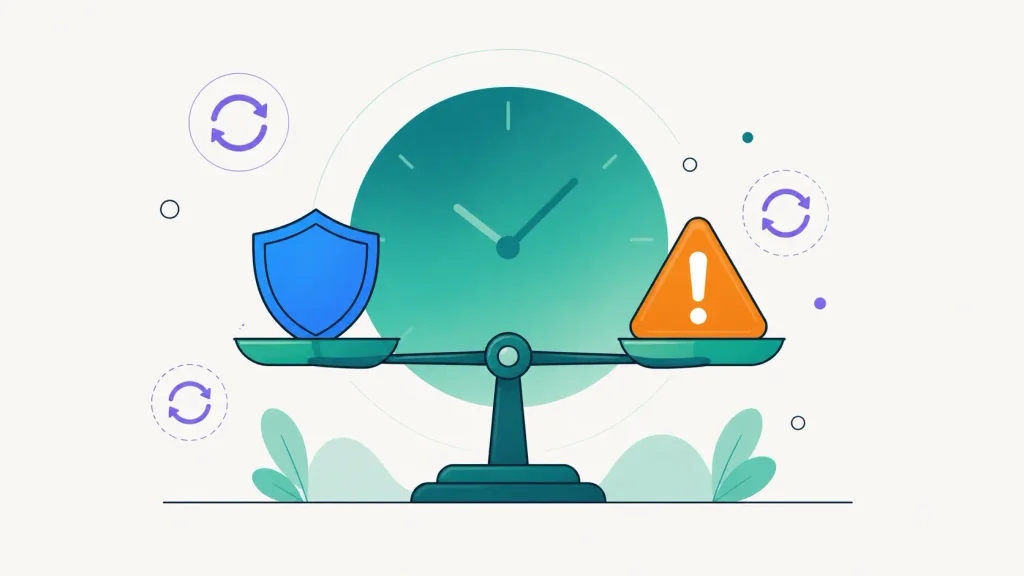
Notice the order: the fix exists before the attacks start. The window between step three and your update is the entire game. Sites that update within days are almost never caught by this wave. Sites that update “when someone gets around to it” are exactly what the scanners are looking for.
Why severity scores matter
Not every vulnerability deserves a fire drill. A flaw that requires an authenticated administrator is a very different animal from one that any anonymous visitor can trigger. This is what CVSS scores compress into a number from 0 to 10: how easy the attack is, what access it needs, and how much damage it does. A 9.8 “unauthenticated remote code execution” means drop everything. A 4.3 “authenticated stored XSS requiring contributor access” means schedule it with the next update round.
The practical skill is not reading advisories all day. It is having something that reads them for you and tells you which of your sites are affected.
Abandoned plugins: the silent risk
Patched vulnerabilities have a fix. A worse category is the plugin that will never be fixed because its author walked away. Warning signs: no updates for a year or more, no compatibility bump for recent WordPress versions, unanswered support threads. Sometimes the plugin is even removed from the WordPress.org directory, which silently stops updates for everyone still running it. An abandoned plugin with a known flaw is a permanent open door, and the only fix is replacing the plugin.
How to stay ahead without making it a job
- Know your inventory. You cannot patch what you do not know you are running. Keep a current list of every plugin and theme on every site.
- Match it against vulnerability data continuously. New advisories appear daily. The comparison has to be automatic.
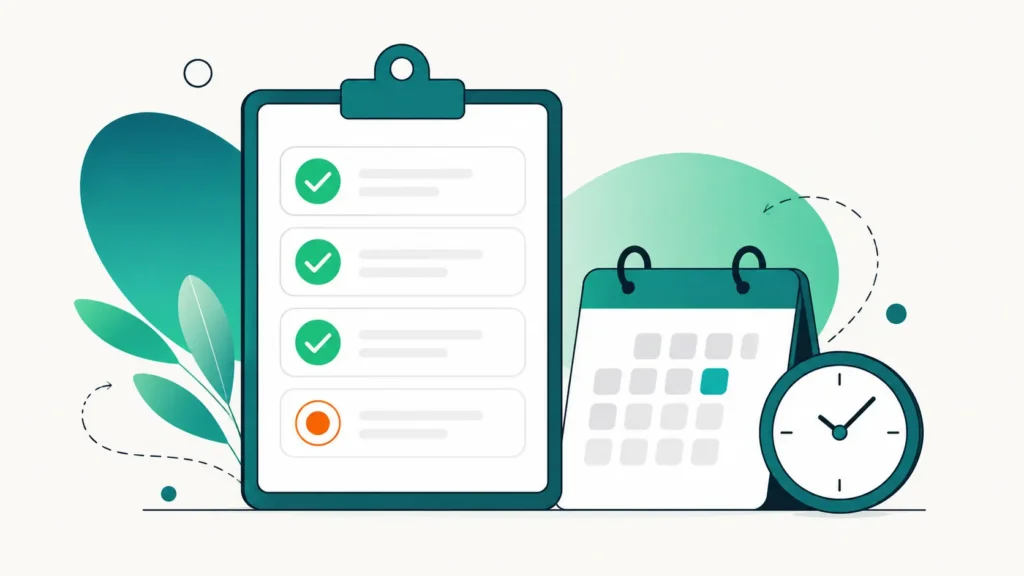
- Update on a rhythm, not on a whim. A weekly update pass keeps the exposure window short. Critical advisories jump the queue.
- Prune ruthlessly. Every plugin is attack surface. Deactivated plugins still count: their code is still on the server. If you do not use it, delete it.
Where DashboardWP fits
DashboardWP mirrors a professional vulnerability feed and checks every connected site’s plugins, themes and WordPress core against it as part of each security scan. When a match is found, the finding tells you the severity, links the original advisory, and recommends the exact version that fixes it. Combined with one-click updates across sites, the window between “patch exists” and “patch applied” shrinks from weeks to minutes. That window is the whole difference between being a target and being a statistic that did not happen.