A WordPress site on launch day is a solved problem. A WordPress site two years later is the sum of every update applied or skipped, every backup that ran or silently failed, every plugin added and never removed. Sites do not break all at once; they drift. Maintenance is the habit that stops the drift, and it works best as a rhythm: a few things weekly, a few monthly, a few quarterly.
Weekly: the health pass
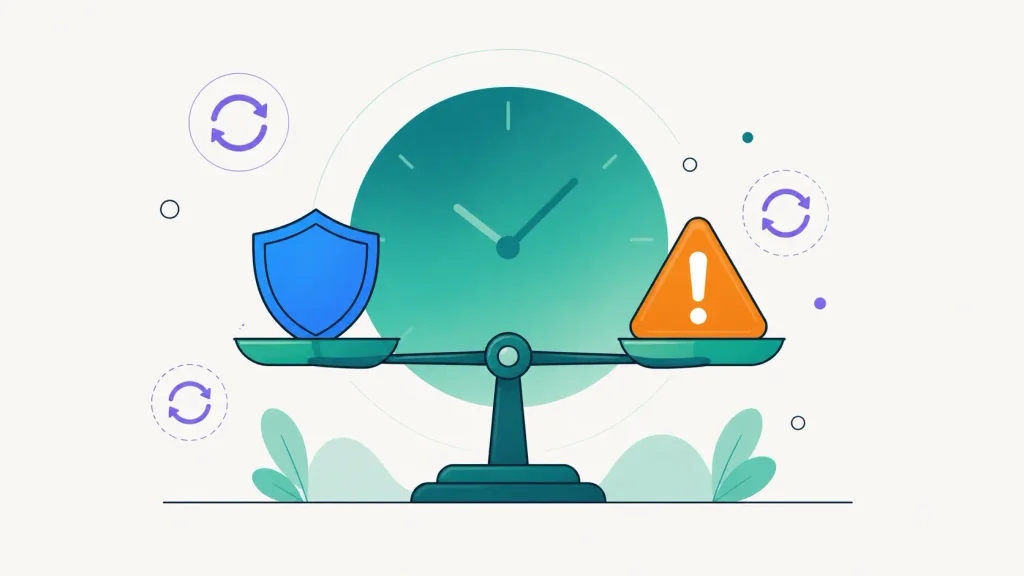
- Run pending updates. Plugins, themes and WordPress core. Back up first, update, then click through the site’s critical pages. Security releases should not even wait for the weekly slot; here is the full reasoning on update timing.
- Verify the backups actually ran. Not “the schedule exists”: the last run succeeded, recently, and the archive is stored off the server. Silent backup failure is the classic maintenance trap.
- Glance at uptime and monitoring alerts. A pattern of short outages is the early warning of a hosting problem worth fixing before it becomes a long outage.
- Skim the forms and the inbox. Send a test through the contact form occasionally. Broken form email fails silently and costs real inquiries.
Monthly: the deeper look
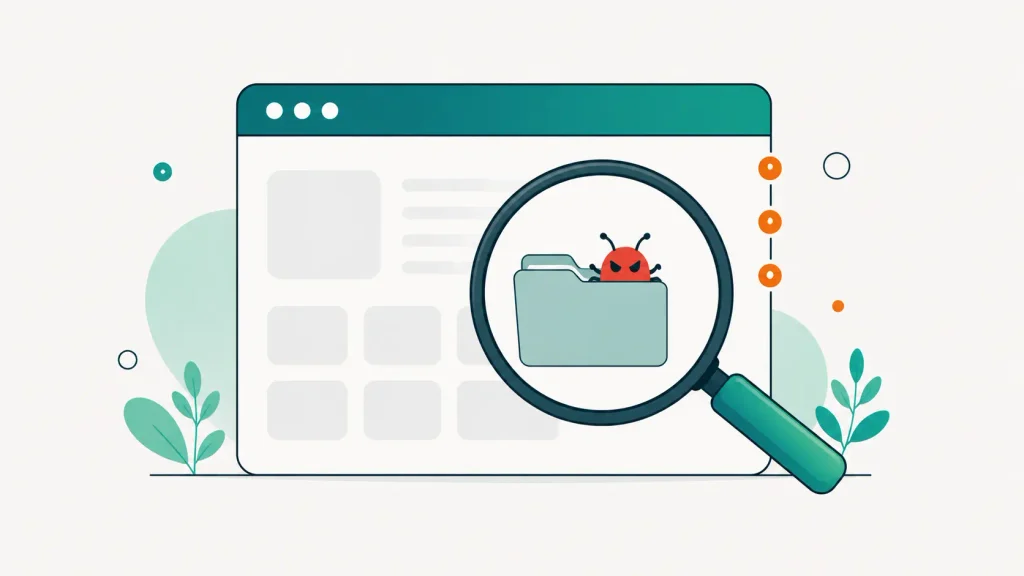
- Run a security scan. Known vulnerabilities in installed versions, file integrity against official checksums, malware heuristics, and the boring but critical basics: no stale admin accounts, no weak passwords, sane configuration.
- Audit users. Remove or downgrade accounts that no longer need access: former contractors, old agencies, that “temp” admin from a support ticket. Every admin account is a door.
- Prune the plugin list. Deactivated plugins still ship their code and their vulnerabilities. Unused means deleted. While there, check for plugins whose authors have gone quiet.
- Check performance basics. Run the key pages through a speed test and compare with last month. Regressions creep in through new plugins, unoptimized images and growing databases.
- Review the activity log. Knowing who changed what turns “the site is different and nobody knows why” into a two-minute lookup.
Quarterly: the strategic pass
- Test a restore. The only proof a backup works is a restore that worked. Restore a recent backup and confirm the site loads and the data is current. This single item separates real backup strategies from decorative ones.
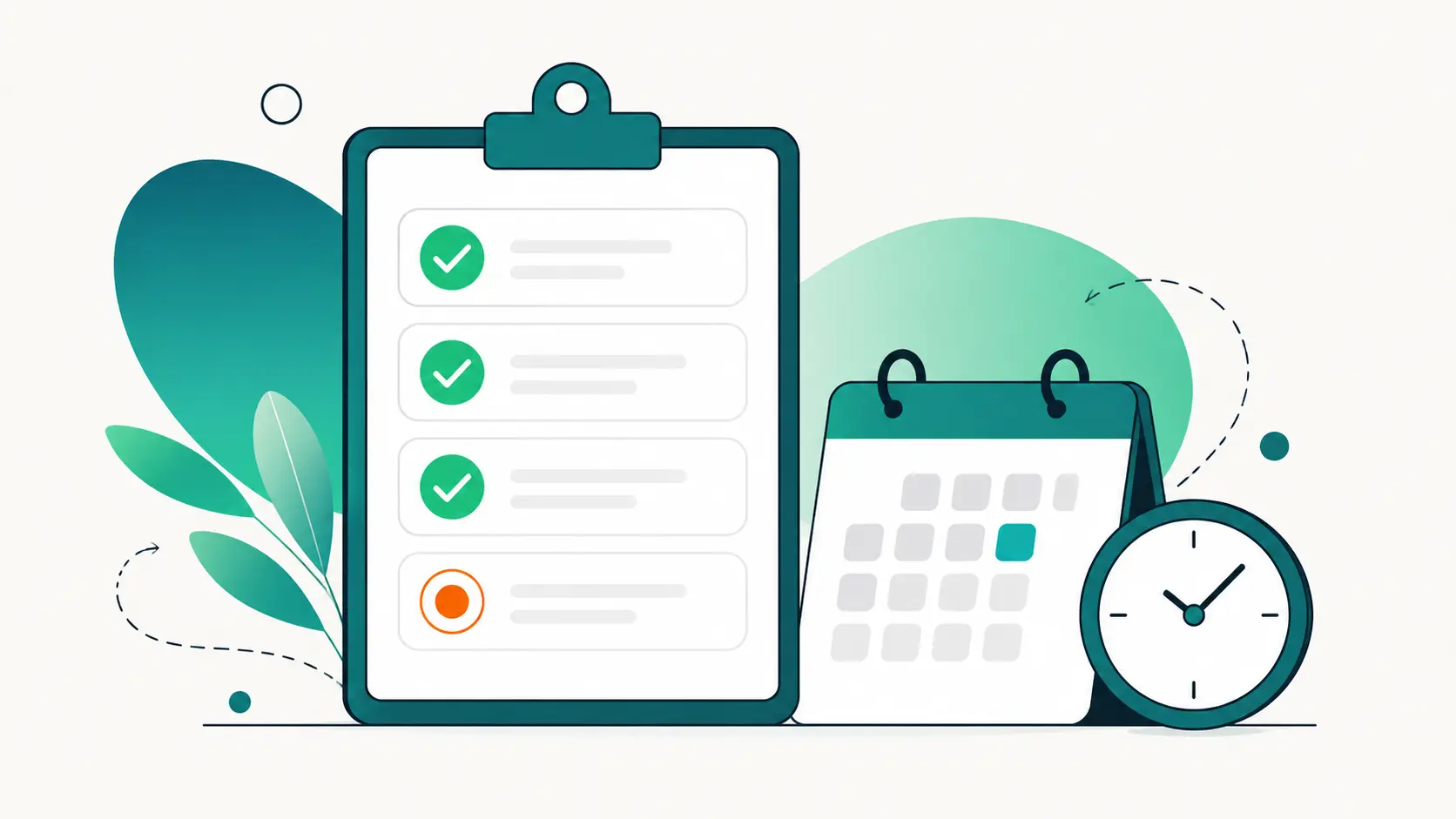
- Check the expiry dates. Domain registration, TLS certificate, hosting renewal, that one premium plugin license. Calendar reminders beat surprise expiry pages.
- Review hosting fit. Traffic grows, sites accumulate, PHP versions age out of support. Once a quarter, ask whether the hosting still matches the site.
- Update the documentation. Credentials location, hosting contacts, what is custom and why. Future you, or whoever inherits the site, will be grateful.
The honest problem with checklists
Nobody fails at maintenance because the tasks are hard. They fail because the tasks are boring, invisible when done right, and multiplied by every site under management. The fix is twofold. Automate what needs no judgment: scheduled backups, uptime checks and security scans should run themselves and only speak up when something is wrong. Centralize what needs a human: updates, audits and reviews across every site from one dashboard, so the weekly pass for a whole portfolio fits in one sitting.
Print the list, adapt it to your sites, and put the weekly slot in the calendar. Maintenance done on a rhythm is quiet, quick and almost pleasant. Maintenance done on emergencies is how weekends disappear.